If you’ve been putting off your website because you’re not sure what it’s going to cost you, this post is for you.
The honest answer is: it depends. But that’s not actually helpful, so let’s break it down properly. There are a few different routes most photographers take when building their website, and the cost ranges are pretty far apart. Knowing what you’re comparing makes it a lot easier to figure out what’s right for where you’re at right now.
Here’s a full breakdown of your main options, what each one actually costs, and what you’re getting for that money.
Option 1: DIY on a Drag-and-Drop Platform (Squarespace, Wix)
This is usually the first thing photographers try, mostly because it sounds simple and the monthly price looks manageable.
What you’ll pay:
- Squarespace: $23 to $65/month, billed annually
- Wix: $17 to $159/month, depending on the plan
- Custom domain: approximately $15 to $20/year
What you’re working with:
Drag-and-drop builders are easy to start but notoriously difficult to make look custom. The templates are generic, the design limitations are real, and you’ll often end up with a site that looks like hundreds of others in your market.
There’s also a ceiling. Once you hit the limits of what the platform lets you do, you’re stuck. No full mobile control, limited layout flexibility, and for photographers specifically, the blog and portfolio functionality is often underwhelming.
This option can work as a very temporary placeholder, but most photographers outgrow it quickly and end up rebuilding anyway.
Option 2: A Pre-Made Template on Showit
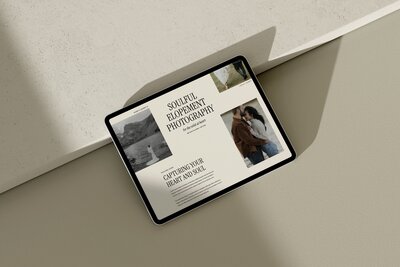
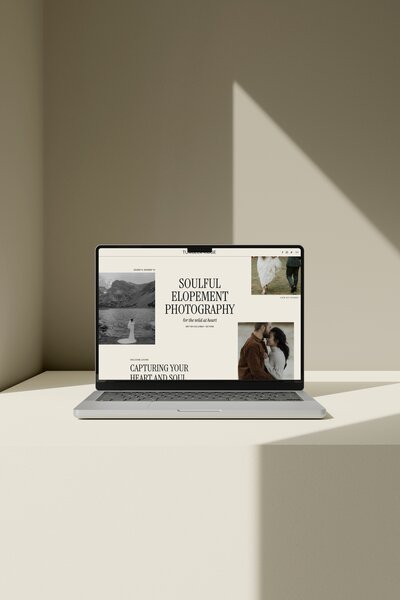
This is the approach that makes the most sense for most photographers who want their site to actually look like them, without the timeline or cost of going fully custom.
What you’ll pay:
- Showit subscription: $27/month or $34/month for Showit + Basic Starter Blog (includes WordPress blog integration)
- Showit template: typically $300 to $500 USD as a one-time purchase. At Vanilla + Oak, templates are $495 and include payment plan options.
- Custom domain: approximately $15 to $20/year
What you’re working with:
Showit is a design-first website platform built specifically with photographers in mind. You get full visual control over every element on desktop and mobile separately, which is huge for photographers who care about how their images are displayed.
A well-designed Showit template gives you a professionally structured website at a fraction of the cost of custom design. The key is choosing a template that’s been built with strategy behind it, not just aesthetics. You can read more about what that actually means in How Customizable Are Showit Templates, Really?.
It’s worth noting that Showit does offer a blank option where you build from scratch without a template. For photographers with a strong design background, that flexibility exists. For most people though, the learning curve without a starting point is steep, and the time cost quickly outweighs the savings.
This route typically runs $500 to $600 upfront (template plus first month of Showit) and around $34/month ongoing. For most photographers, that’s the sweet spot.
Option 3: Custom Website Design
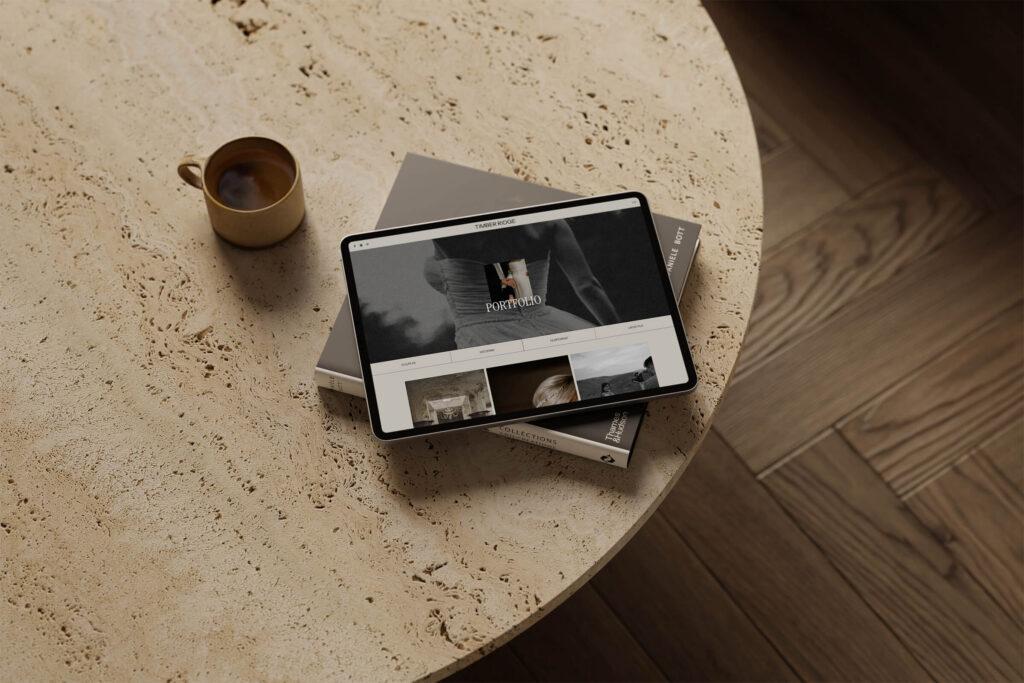
This is the full-service option. You hire a web designer, they build something from scratch (or heavily customize a foundation), and you end up with a fully bespoke site.
What you’ll pay:
- Freelance web designer: $2,500 to $8,000+ USD depending on scope and experience
- Design agency or high-end specialist: $8,000 to $20,000+
- Ongoing hosting and maintenance: varies
What you’re working with:
You get something entirely unique, built around your brand. The process is collaborative and the result can be exceptional. For photographers who are established, booking premium clients, and need a site that reflects a high-end positioning, custom design can be worth the investment.
For most photographers who are launching, relaunching, or somewhere in the early-to-mid stage of their business, this option is rarely the right move yet. The cost is significant, the timeline can take months, and you don’t have full control over edits once the project is complete without going back to your designer.
Option 4: Hiring Someone to Customize a Template
There’s a middle ground some photographers go for: purchasing a Showit template and hiring someone to customize it for them.
What you’ll pay:
- Template: $300 to $500 USD
- Customization: $500 to $2,500+ depending on the designer and scope
- Showit subscription and domain on top
This can work well if you genuinely don’t have the time or interest to customize it yourself, and you find a designer who works specifically in Showit. It’s worth knowing that most Showit templates are designed to be DIY-friendly, so this is often more of a preference than a necessity.
First-Year Cost Breakdown by Option
To make this easier to compare, here’s a rough first-year cost breakdown for each option:
- DIY (Squarespace/Wix): $290 to $800/year
- Showit + Template: $840 to $920 in year one, around $324 to $408/year after that (depending on whether you add the blog)
- Custom website: $3,000 to $20,000+ one-time + on-going maintenance and subscription
- Template + customization hire: $1,500 to $4,000+ one time + subscription
When you look at it that way, the Showit template route is genuinely competitive. You get professional results, full control, and a platform built for how photographers work, at a price that makes sense for most business stages.
Cheapest Isn’t Always the Best Value
It’s worth saying clearly: the cheapest option isn’t always the best value. A $200 Squarespace plan that doesn’t convert visitors, doesn’t rank in search, and doesn’t reflect your brand is costing you in a different way.
The questions worth asking are: Does this site reflect the level of work I want to attract? Is it set up to support my SEO? Can I maintain and update it without relying on someone else? And does it include the pages I actually need to do its job?
A website isn’t just a line item in your expenses. It’s the first thing most potential clients see. Getting that right doesn’t have to cost five figures, but it is worth being thoughtful about.
Ready to See What a Showit Template Actually Looks Like?
If the template route sounds like it makes sense for where you’re at, browse the Vanilla + Oak template collection to see what’s available. Each template is designed with both the aesthetic and the strategy in mind, so your site does more than just look good on day one.
And if you’re still figuring out the full launch process, the free Showit Website Launch Checklist walks you through every step from purchasing your domain to hitting publish.
DOWNLOAD A FREEBIE
How to Launch a Showit Website Start to Finish
Looking to launch your dream website, but feeling overwhelmed with where to start? From purchasing your domain to publishing your site, this checklist will guide you through each step so you can launch your website with ease.