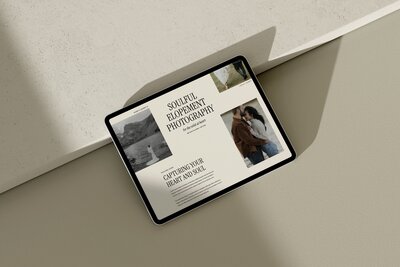
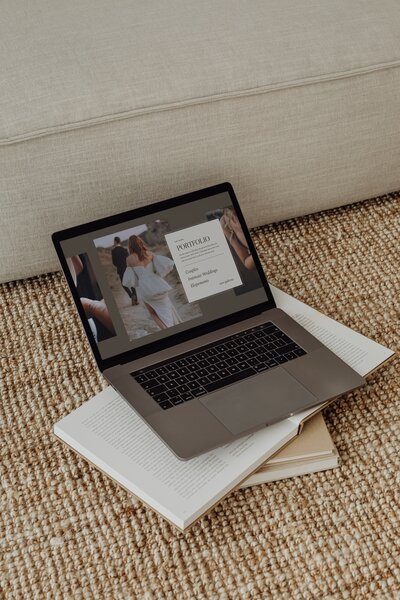
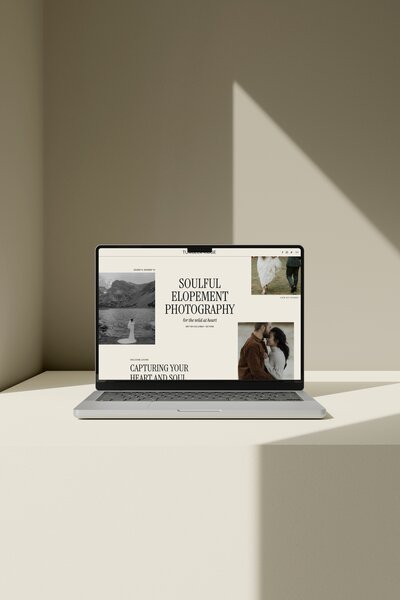
A wedding photography website that actually books couples is simple, clear and built to earn trust fast, not just look pretty. Focus on a clear homepage, real proof, honest pricing, strategic galleries and an easy path to inquire, and you will see more qualified leads from the traffic you already have.
Your Showit site is live, your photos look beautiful, and yet your inbox is quiet. At that point, the problem usually is not your work, it is how your site is guiding (or not guiding) couples through it. In this post I will walk through specific, practical tweaks you can make to your existing Showit site so it does a better job turning visitors into inquiries. You do not need to burn it all down, just adjust key places where couples decide “yes, let’s reach out” or “no, back to Instagram.”
Start with the goal: what your website should actually be doing for your wedding photography business
Your website’s main job is to turn browsing couples into confident inquiries, not just showcase pretty photos.
Pretty is helpful, because you are selling a visual service, but aesthetics alone do not answer the questions running through a couple’s mind. They want to know: Do you shoot weddings like ours? Are you in our area? Can we afford you? Will this feel easy and enjoyable?
A strong site guides them from “Who is this?” to “This feels like us” to “Let’s inquire” with as little friction as possible. Every page, photo and line of copy should either build trust or point to the next step.
If you want a quick pass on what pages you truly need, I break that down in more detail in a post on the only 5 pages your photography website actually needs.

Tip 1: make your homepage instantly answer “are you the right photographer for us?”
Your homepage should let a couple know within a few seconds who you photograph, where you are based, and what your work feels like, then give them a clear next step.
Above the fold, you want three things working together:
- A clear statement of who you serve and where
- A strong image that reflects your signature style
- A simple call-to-action button
Think of a line like “Wedding photographer for laid-back, city-loving couples in Chicago” rather than a vague “capturing your love story.” The first version helps people quickly self-select. If they are planning a Chicago city wedding and they see that, they know they are in the right place.
Pair that with a hero image that looks like the work you want more of. If you want to shoot more candlelit indoor receptions, do not open with a bright beach elopement. Show what you want to book.
Your primary button should be obvious and action-focused, such as “View weddings” or “Check availability.” On Showit, make sure this button stands out with contrast and sits in the top section on both desktop and mobile.
Below the fold, keep the homepage focused on:
- A short “this is what I do and why it is different” intro
- A small selection of portfolio highlights
- A quick overview of your experience or process
- A preview of pricing or starting point
- Testimonials or review highlights
- A final call to inquire
You do not need full essays here. Short, scannable sections with clear headings are easier for couples to skim than long paragraphs.
Tip 2: Build trust with real proof, not just pretty images
Trust becomes crucial when people risk time, money or personal data online, and wedding photography checks all three boxes. Research from the Nielsen Norman Group argues that ecommerce and service websites should prioritize visible trust and credibility elements.
Couples are comparing multiple photographers, so social proof and transparency can tip the decision in your favor. Think of trust as something you sprinkle across your site, not just a single testimonials page.
High-impact trust signals to add and where to put them:
- Reviews: Pull your strongest, most specific lines onto your homepage, experience page and near your contact form. Use names and locations when you have permission.
- Clear pricing: Give at least a starting price or range on your investment page so couples are not guessing.
- Real galleries: Link to full wedding or elopement stories, not only highlight reels. This helps couples see how you handle different lighting, moments and timelines.
- Process details: A simple “here is what working together looks like” section with 3–5 steps calms nerves and sets expectations.
- Easy contact paths: Make email, your inquiry form or both simple to find and use. If a couple cannot figure out how to reach you, they will not.
You do not need all of this on every single page, but you do want a mix on every key decision page: homepage, experience, portfolio and investment.
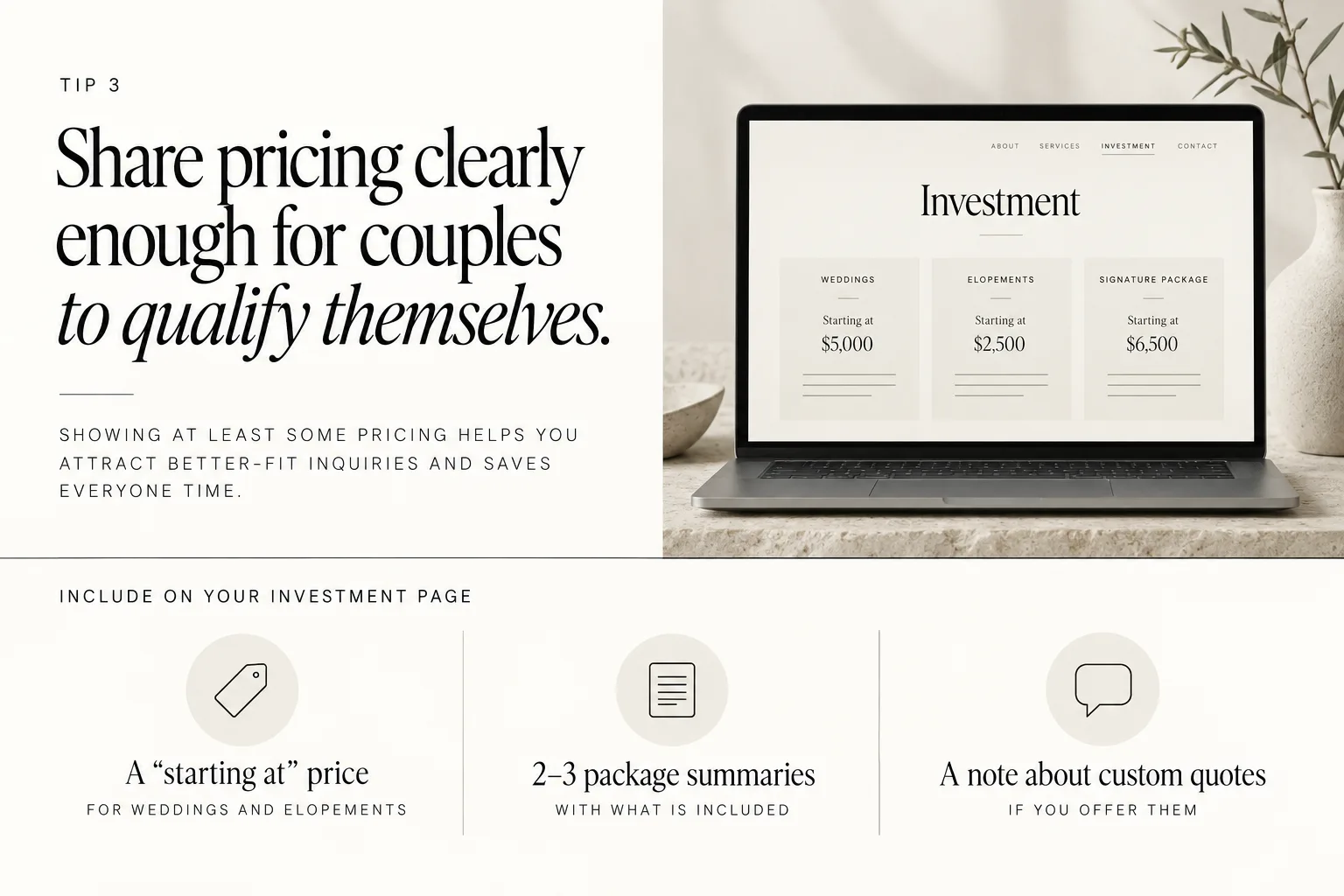
Tip 3: Share pricing clearly enough for couples to qualify themselves
Showing at least some pricing helps you attract better-fit inquiries and saves everyone time.
Many couples filter vendors based on budget before ever reaching out, so hiding all pricing can backfire. If they cannot tell whether you are even in their range, they may leave instead of asking.
WeddingPro’s research takeaway from the The Knot Real Weddings 2025 Vendor Report is that couples compare vendors and businesses should show starting prices and packages on their website or storefront rather than forcing an inquiry first. Your website can do this for you 24/7.
On your investment page, consider including:
- A “starting at” price for weddings and elopements
- 2–3 simple package summaries with what is included, without turning it into a long brochure
- A short note about custom quotes if you offer them
You do not need to spell out every single add-on, but you should at least give enough clarity that a couple can say “Yes, this is in the realm of possible for us” or “No, this is out of budget.”
Then, link your pricing page clearly from your main navigation and your homepage, so couples are not hunting around for it.
Tip 4: Make your portfolio easy to scan and aligned with the work you want more of
Your portfolio should be curated and organized so couples can quickly see weddings that look like the one they are planning.
Instead of one giant gallery with every image you love, break it into clear sections or categories such as:
- Full wedding days vs highlight galleries
- Types of celebrations (city ballroom, backyard, elopement, etc.)
- Seasons or locations if that is how couples often search for you
Within each gallery, show the kind of work you want to book more of. Feature the venues, seasons, lighting and cultural traditions that you would happily photograph again and again. If you never want to shoot a certain kind of wedding again, it does not need to live front and center on your portfolio.
On Showit, you can create portfolio category pages that each link to individual blog posts or gallery pages. Keep the design clean and let the images breathe rather than cramming too many into one scroll.
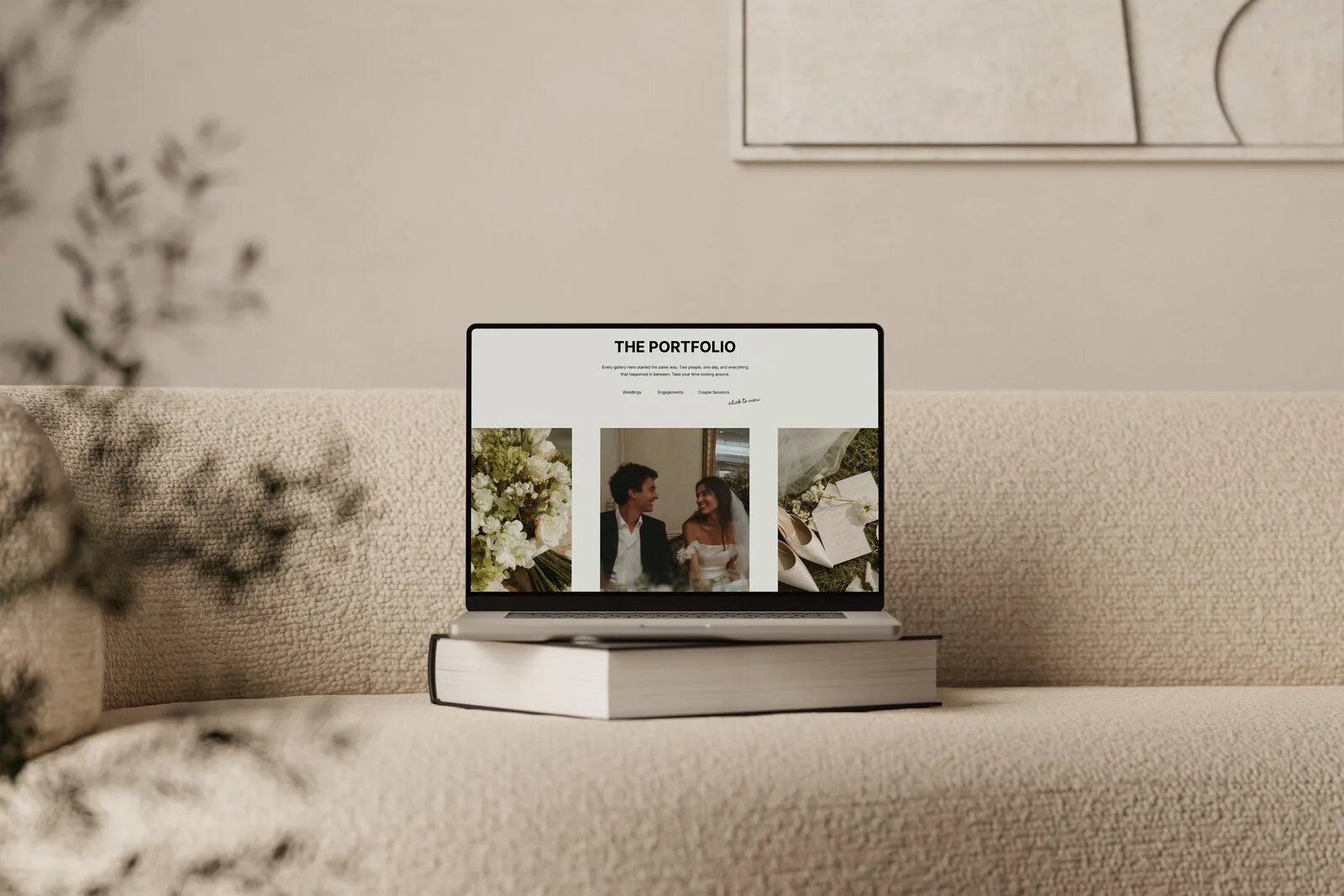
Add short captions or titles for each featured gallery, such as “Winter loft wedding in Toronto” or “Intimate mountain elopement.” This context helps couples spot “their” wedding type in seconds.
Tip 5: Write copy that sounds like you, and speaks to your couples
Your website text should sound like a real person, not a generic brand, so couples can picture working with you.
You do not need fancy brand messaging to do this. Plain, clear, conversational copy beats flowery buzzwords every time.
A few simple rules:
- Write like you talk. If you would say “Hey, I am so glad you are here” in person, you can say that on your site.
- Use “you” more than “I.” Frame things around what your couples care about: how they want to feel, what they are worried about, what they value.
- Answer the questions already in their head. For example: Will you help with timeline? How many photos do we get? How long until we see them? What if it rains?
On your homepage and experience page, aim to answer:
- Who you are and what you are like to work with
- What your style is, in simple language (documentary, editorial, romantic, bold, etc.)
- How you handle the wedding day
- What makes you a good fit for your favorite couples
If you have a hard time writing about yourself, try recording a voice note explaining your approach as if you were on a call with a couple, then transcribe and tidy it. That usually gives you more natural copy than staring at a blank Google Doc.
Tip 6: Simplify your navigation and reduce dead ends
A clear, simple navigation helps couples find what they need and keeps them moving toward an inquiry.
Keep your main navigation focused on the pages that actually help couples decide to inquire, like Home, Portfolio, Experience, Investment and Contact. Anything extra (blog categories, education or shop pages) can go in a secondary menu or footer so your main menu stays clean.
Walk through your own site like a first-time visitor and check:
- From the homepage, can you reach your portfolio, investment and contact pages in one click?
- From your portfolio, is there a clear path to pricing or your experience page?
- On every page, is there a button or link leading toward the next logical step?
Avoid dead ends, which are pages that do not point anywhere helpful. For example, an about page that just ends at a photo of you, with no prompt to check availability. Add a simple “Ready to chat about your wedding?” button that leads to your contact or inquiry form.
If you want more detail on what pages matter most, I go deeper on that in my post about why your website matters more than Instagram in 2026.
Tip 7: Make it ridiculously easy to contact you
Your contact or inquiry form should be one of the easiest pages to find from anywhere on your site.
Trust signals include easy contact paths. Couples should not have to dig around or scroll forever to find a way to reach you.
A few practical tweaks:
- Put “Contact” or “Inquire” in your main navigation and your footer.
- Add a call-to-action button in your header that goes straight to your inquiry page.
- On long pages (like your experience or investment pages), repeat a button to your form halfway down and at the end.
Keep your form itself as short as you can while still getting what you need to reply with a real answer. Required fields like names, email, wedding date, venue or location and a free-text message box are usually enough. Extra questions about budget or photography priorities are helpful, but if the form feels like a full application, some couples will bail.
Test the form on your phone and send yourself a test inquiry. Make sure:
- It is easy to type into on mobile
- Required fields are clearly marked
- You have a thank-you message or page so couples know it worked
If you also list an email address, double check that it is clickable and spelled correctly.
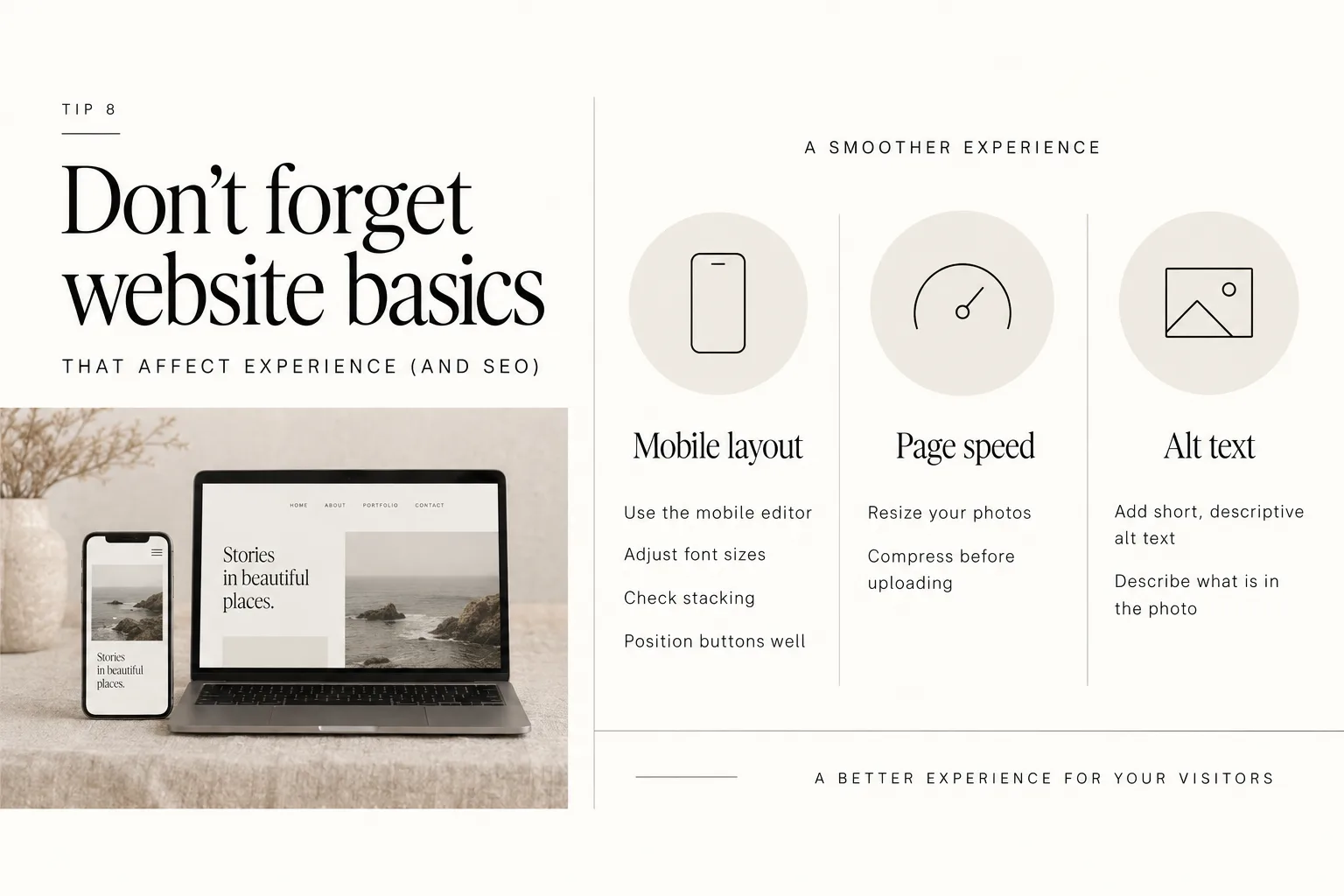
Tip 8: Don’t forget website basics that affect experience (and SEO)
The simple, unglamorous stuff like mobile layout, page speed and alt text has a big impact on how couples experience your site.
Most couples will first visit your site on mobile, so your layout, fonts and buttons must be easy to use on a phone. In Showit, use the mobile editor to adjust font sizes, stacking and button placement rather than assuming the desktop version will translate well.
For a smoother experience:
- Choose font sizes that are readable without zooming in.
- Make buttons large enough to tap comfortably.
- Avoid long blocks of text; break them up with headings and spacing.
Slow image-heavy pages can turn excited visitors into exits. One of the fastest ways to fix that is by resizing and compressing your photos before you upload them. I walk through this process in detail in my guide on how to prepare and resize images for your Showit website.
Alt text is another simple win. Adding short, descriptive alt text to your images helps with accessibility and gives search engines context about your images and content. Describe what is actually in the photo in plain language, not just “wedding photo.”
You do not need to obsess over every technical detail, but a quick pass through your site with mobile, speed and clarity in mind goes a long way.
When a template can help (and how to choose one that actually works)
A well-designed Showit template can bake in strategic homepage, portfolio and pricing layouts that already follow these best practices, which means less guesswork for you.
If you are DIY-ing, a template is not about making your site look like everyone else’s. It is about starting with a layout that is already structured around how people browse and inquire, then swapping in your brand, images and copy.
When you are choosing a Showit template for your photography site, look for:
- A strong homepage hero that clearly states who the photographer serves and where
- Obvious spots for testimonials and review pull-quotes
- A dedicated investment or pricing page
- Portfolio layouts that let you showcase different wedding types or galleries
- Clean mobile views that are just as thoughtful as the desktop design
I design Showit templates for photographers with those things in mind, along with an included launch checklist resource, so you are not starting from a blank canvas.
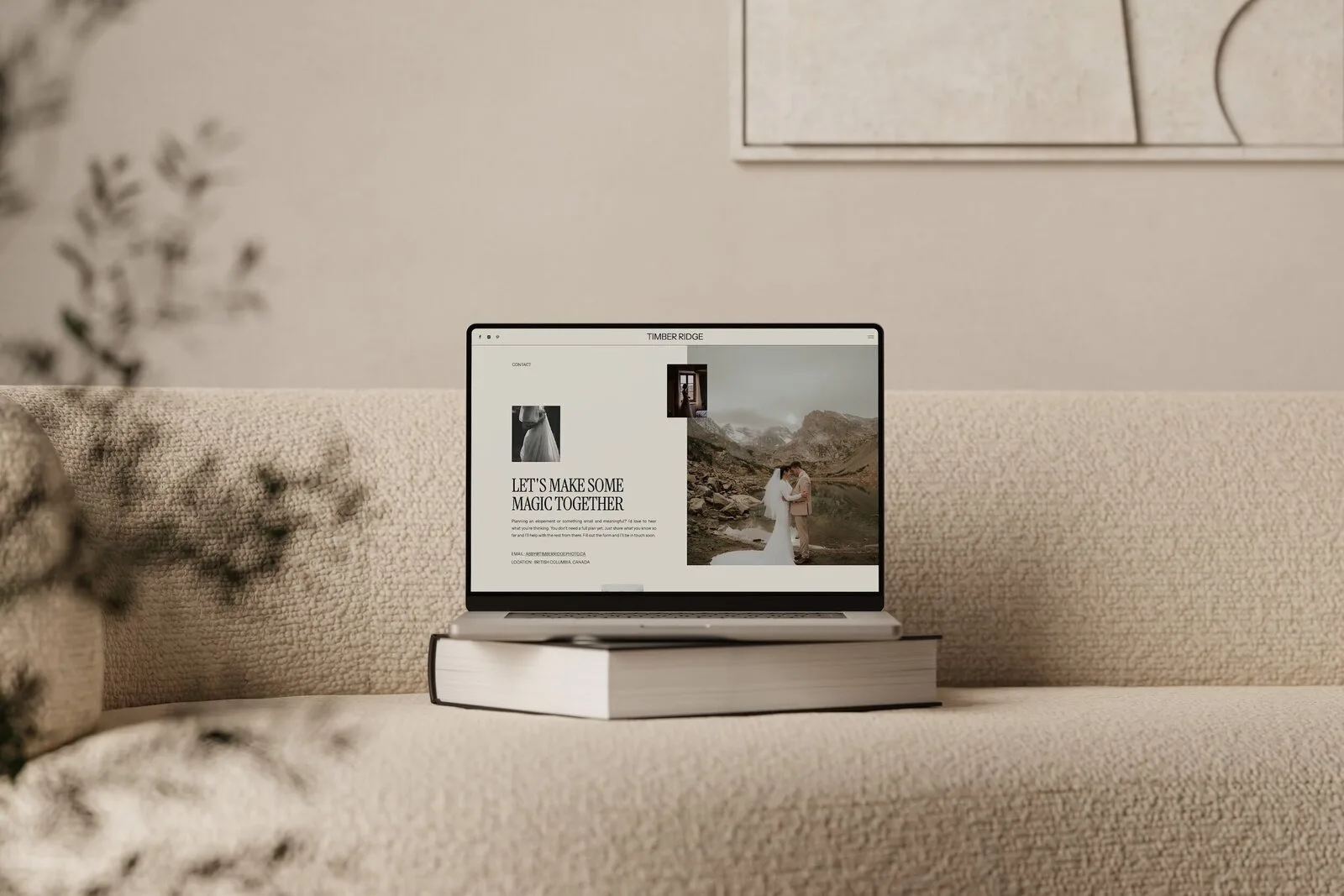
If you already have a template, you can still use the tips in this post to tweak it: adjust headings, re-order sections and refine copy so it supports your booking goals instead of just filling space.
Quick checklist: website changes that can actually move the needle
Use this as a quick audit of your existing Showit site:
- Does your homepage hero clearly say who you photograph, where and your style, with a clear button?
- Do you show reviews, full galleries, process steps and clear pricing or starting rates?
- Can couples find and understand your investment page in one click from the homepage?
- Are your galleries curated around the work you want more of, and easy to skim?
- Does your copy sound like a real human and answer common questions directly?
- Is your navigation simple, with no dead-end pages?
- Can someone reach your inquiry form from any page in a single click?
- Does your site load quickly and work well on mobile?
Pick 2–3 items from this list to tackle first, make the changes and then give it a few weeks to see how inquiries respond.
FAQs
How much pricing should I show on my wedding photography website?
Show enough pricing that couples can tell if you are in their budget before they inquire. A “starting at” rate for weddings and elopements, plus a simple outline of what is included in your main collections, usually strikes a good balance between transparency and flexibility. You can keep detailed add-ons and custom quotes for your pricing guide that you send after inquiry.
What should a wedding photographer homepage include?
A strong homepage includes a clear above-the-fold statement of who you serve and where, a hero image that reflects your style, and a primary button leading to your portfolio or inquiry page. Below that, add short sections for featured work, a quick intro, a simple outline of your experience or process, a preview of pricing, social proof and a final call to inquire. Keep it focused on helping couples decide you might be “the one,” not trying to cram in everything you do.
How do I make my portfolio help me get more inquiries?
Curate your portfolio to highlight the weddings and locations you want more of, rather than every session you have ever shot. Organize galleries so couples can quickly find weddings similar to theirs, and show full stories where they can see how you handle different parts of the day. Then, add clear next steps on those pages, like buttons to your investment or contact page, so couples who love what they see know exactly what to do next.
How can a Showit template help my wedding photography website?
A Showit template gives you a strategic starting point with layouts already designed around how couples browse, compare and inquire. Instead of guessing where to place your galleries, pricing and calls to action, you plug your content into a framework that is built for service-based businesses like photography. If you want support with that, you can always start with a template, then follow a step-by-step resource on how to launch your Showit website template to get it live.
When you are ready to upgrade your layout without rebuilding from scratch, you can shop Showit templates designed specifically with wedding photographers in mind.
DOWNLOAD A FREEBIE
How to Launch a Showit Website Start to Finish
Looking to launch your dream website, but feeling overwhelmed with where to start? From purchasing your domain to publishing your site, this checklist will guide you through each step so you can launch your website with ease.