
TL;DR
- Showit is worth it if you are a visually driven wedding photographer or wedding pro who wants a custom-feeling site, flexible galleries and strong mobile design, and you are happy to use a template and learn a more flexible editor.
- Squarespace and Wix can be quicker if you want to stay inside stricter templates and do not care as much about layout freedom.
- WordPress or Shopify alone can make sense if blogging or ecommerce is your main focus and design flexibility is secondary.
If you are already on Squarespace, Wix or WordPress, switching platforms is not a light decision. It costs money, time and mental energy, so “everyone is on Showit now” is not a good enough reason.
*Affiliate disclosure: This post contains affiliate links, which means that we may receive compensation if you make a purchase using these links.*
I have 6 years experience and I am part of the Showit Partner Program. I switched my own site from Wix to Showit and have lived with both day to day. In this guide I am going to stay very close to what actually matters for a modern, template-based wedding photography or wedding pro site, and where Showit is and is not worth it for that.
Let us start with a straight answer, then walk through how Showit really works and how it compares, platform by platform.
Is Showit worth it? The short answer for wedding photographers?
For most wedding photographers and visual wedding pros, Showit is worth it if:
- You care a lot about your site looking custom and on-brand, not like a slightly edited theme.
- Your work is very image-heavy and you want control over how galleries and layouts look on desktop and mobile.
- You feel comfortable learning a design tool that behaves more like Canva than a traditional “boxy” website builder.
- You want to use a template as a shortcut, but still have room to make it feel like your brand.
Showit is not automatically worth it if:
- Your main goal is a high-volume online shop.
- You are already deeply invested in a complex WordPress setup and you are happy inside that system.
If you are drawn to unique layouts and you are frustrated by the limits of your current builder, keep reading. If you want to keep things as minimal as possible and stay with strict templates, one of the other platforms may be better for you.
How Showit actually works for a template-based wedding photography site?
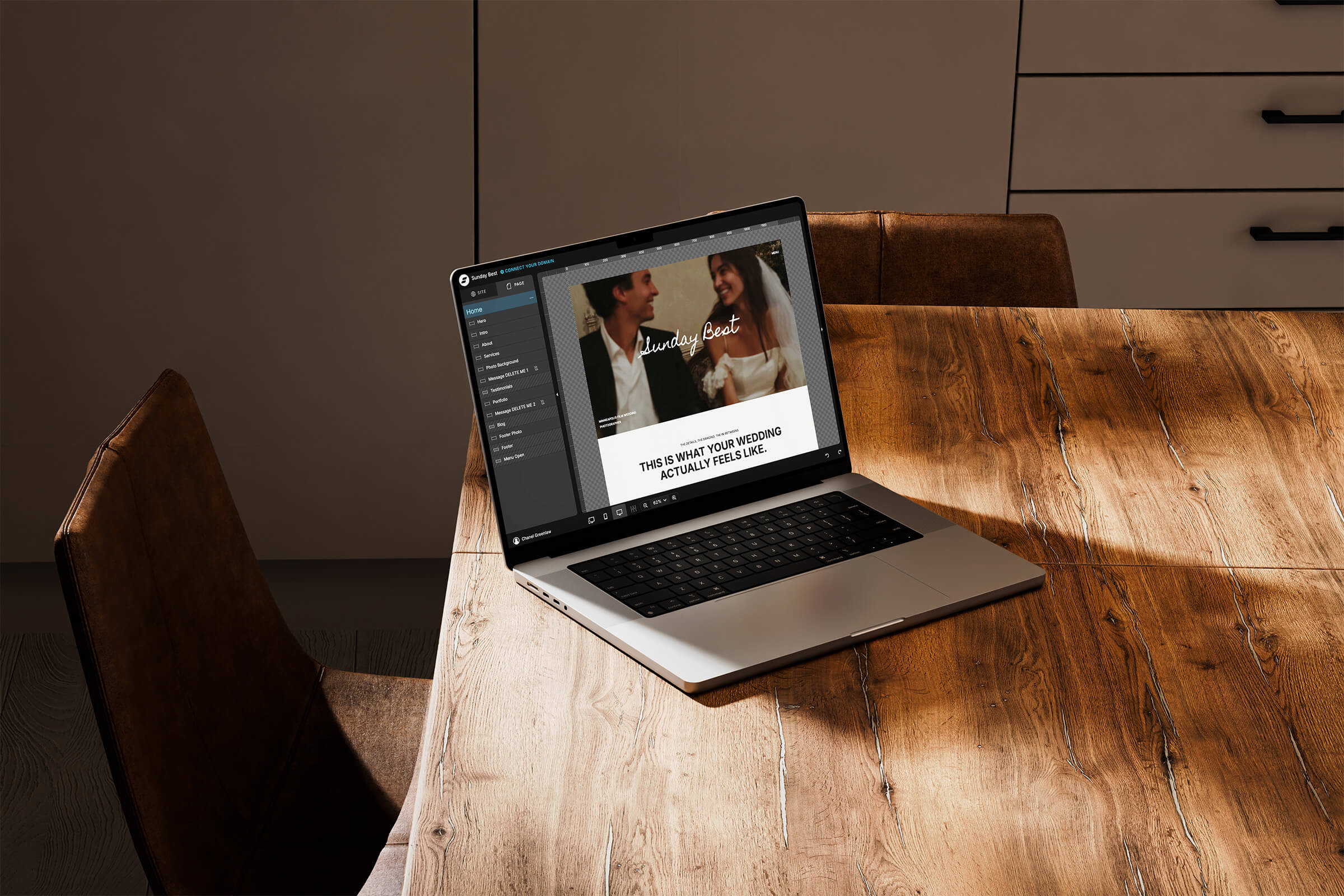
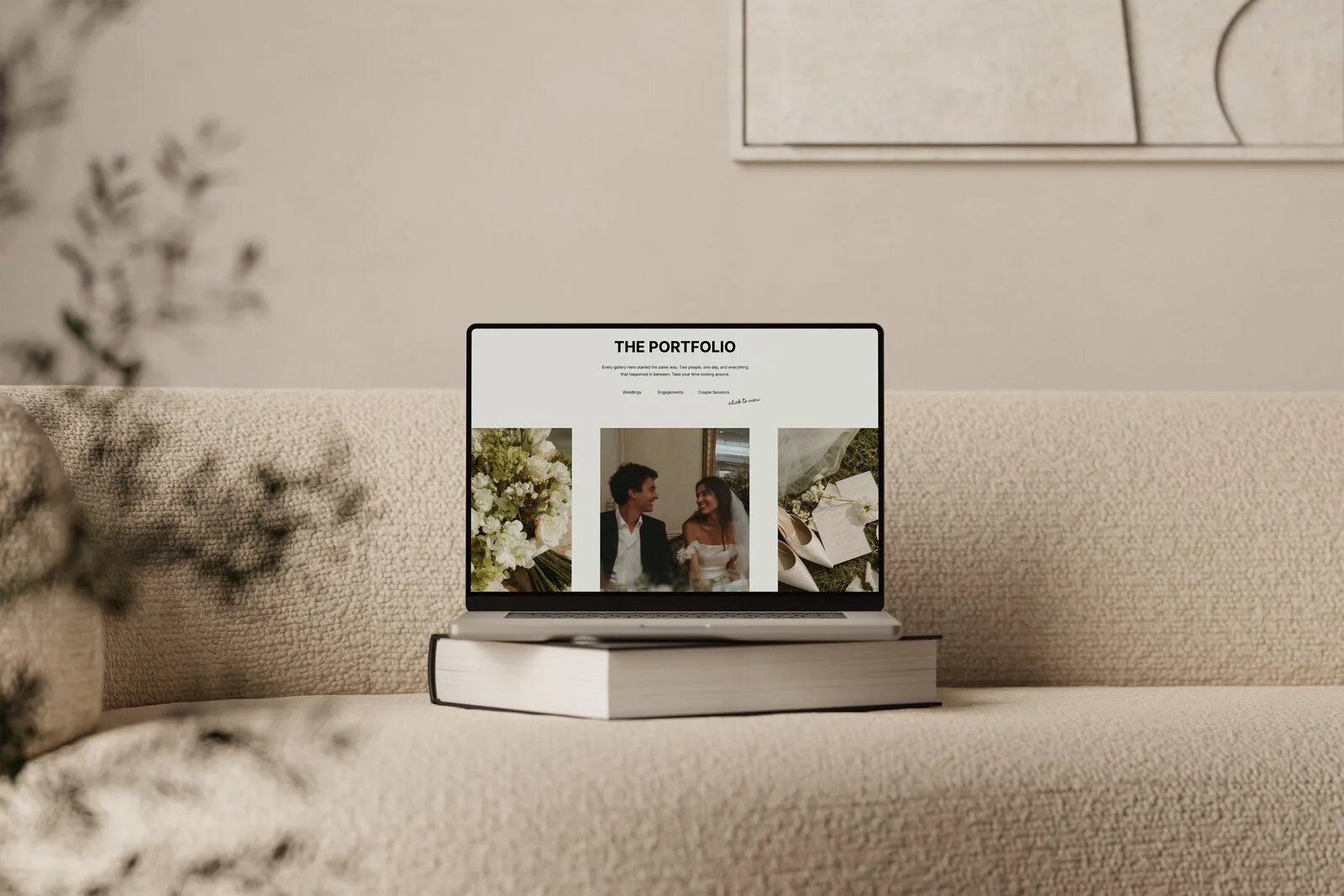
Showitis a visual, drag-and-drop website builder. The easiest way to describe it is that it feels more like designing a page in Canva than editing a theme on a traditional website platform.
When I switched from Wix to Showit, what surprised me most was that every single thing in Showit is customizable. In Wix, most features are already designed, and you usually change colors or fonts inside their pre-set blocks. In Showit, you build it from scratch so it can look like anything you want.
That sounds intimidating at first, but in practice the editor is very intuitive. You can:
- Drag text boxes, images and shapes exactly where you want them.
- Layer elements on top of each other.
- Adjust details like line spacing and typography in a very visual way.
- Design desktop and mobile separately so each version looks its best.
For a template-based site, this does not mean you always start with a blank canvas. You choose a template, which gives you:
- A full-page structure for your home, about, services, galleries and blog pages.
- A visual style that already works for wedding photographers or other wedding pros.
- Pre-designed sections you can keep, move, duplicate or delete.
From there, you swap your images and copy, adjust fonts and colors, and tweak layouts as much or as little as you like. If you are curious how far you can push a template, I wrote more about how customizable Showit templates really are.
The big mindset shift is that Showit gives you creative control, not just “fill in this theme”. That freedom is why many wedding photographers choose it, and it is also the main reason there is a learning curve.
Showit vs Squarespace: when is Showit worth it?
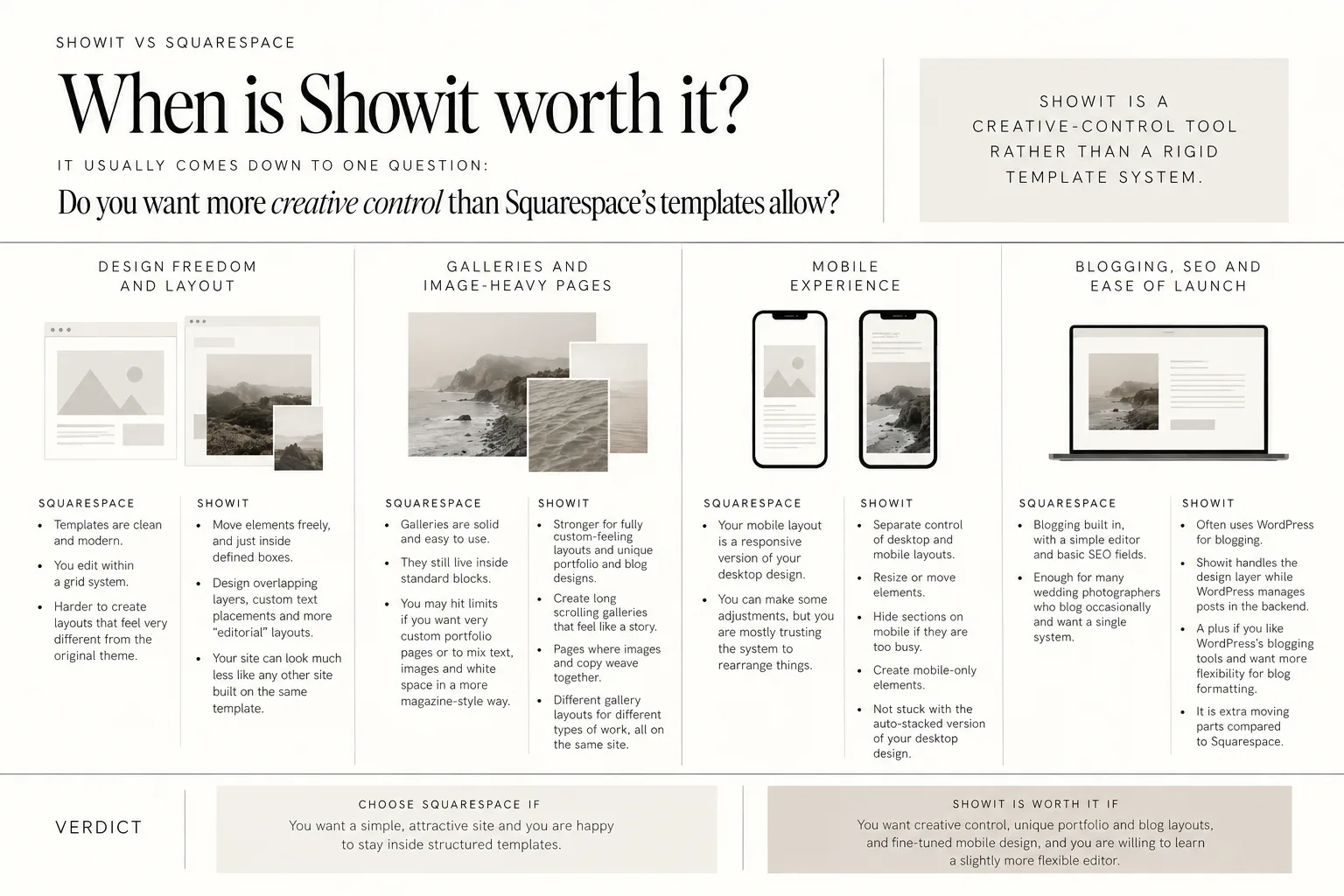
If you are on Squarespace now, your decision usually comes down to one question:
Do you want more creative control than Squarespace’s templates allow?
Showit’s co-founder and CEO Todd Watson presents the platform as a creative-control tool rather than a rigid template system. Showit also positions itself against Squarespace by emphasizing creative control and flexibility in design, which you can see in Showit’s official comparison with Squarespace.
For wedding photographers, here is how that plays out in real life.
Design freedom and layout
Squarespace:
- Templates are clean and modern.
- You edit within a grid system.
- It is harder to create layouts that feel very different from the original theme.
Showit:
- You can move elements freely, not just inside defined boxes.
- You can design overlapping layers, custom text placements and more “editorial” layouts.
- Your site can look much less like any other site built on the same template.
If you feel like your current Squarespace template always looks like “a Squarespace site”, Showit is worth serious consideration.
Galleries and image-heavy pages
Wedding sites are dominated by images and galleries.
Squarespace galleries are solid and easy to use, but they still live inside standard blocks. If you want very custom portfolio pages or to mix text, images and white space in a more magazine-style way, you may hit limits.
Showit is stronger for fully custom-feeling layouts and unique portfolio and blog designs. You can create:
- Long scrolling galleries that feel like a story.
- Pages where images and copy weave together.
- Different gallery layouts for different types of work, all on the same site.
Mobile experience
With Squarespace, your mobile layout is essentially a responsive version of your desktop design. You can make some adjustments, but you are mostly trusting the system to rearrange things.
Showit gives you separate control of desktop and mobile layouts, which matters a lot for image-heavy wedding sites. You design one canvas, then switch to the mobile view and tweak it:
- Resize or move elements.
- Hide sections on mobile if they are too busy.
- Create mobile-only elements.
You are not stuck with the auto-stacked version of your desktop design.
Blogging, SEO and ease of launch
Squarespace has blogging built in, with a simple editor and basic SEO fields. It is enough for many wedding photographers who blog occasionally and want a single system.
Showit often uses WordPress for blogging. Showit handles the design layer while WordPress manages posts in the backend. That setup can be a plus if:
- You like WordPress’s blogging tools.
- You want more flexibility for blog formatting.
It is extra moving parts compared to Squarespace, though.
For ease of launch from a template, Squarespace and Showit are different, not strictly “better or worse”:
- Squarespace is simpler if you want to touch as little design as possible.
- Showit is better if you want to start from a template but make it feel custom.
Verdict:
- Stay with or choose Squarespace if you want a simple, attractive site and you are happy to stay inside structured templates.
- Showit is worth it if you want creative control, unique portfolio and blog layouts, and fine-tuned mobile design, and you are willing to learn a slightly more flexible editor.
Showit vs Wix: drag-and-drop, but not the same
On the surface, Wixand Showit both look like drag-and-drop builders. If you are currently on Wix, you might wonder if switching really changes anything.
From my own switch from Wix to Showit, I can say they feel very different in practice.
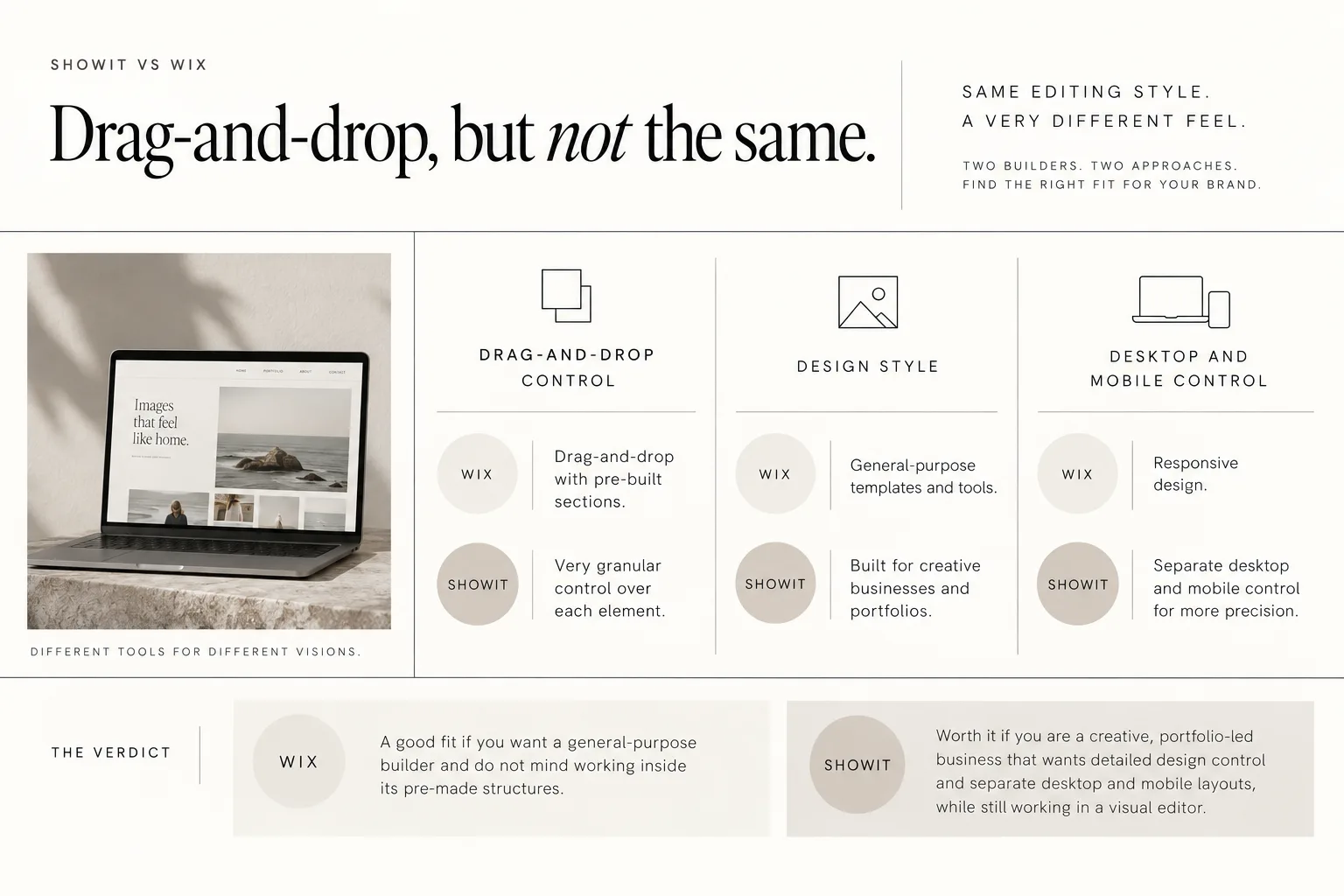
Both Showit and Wix are drag-and-drop, but Showit is built for creative brands and portfolios, while Wix tries to be a general-purpose site builder.
Showit’s Wix comparison emphasizes drag-and-drop editing plus separate desktop and mobile control, which you can see on Showit’s official Showit vs Wix page.
Here is how that lands for wedding photographers.
Drag-and-drop, but how much control?
Wix:
- Has a drag-and-drop editor, but many features come as pre-built sections.
- You often slot in prepared galleries or content blocks and then style them.
Showit:
- Gives you very granular control over each element.
- You can build sections exactly the way you want instead of relying on pre-built chunks.
When I moved from Wix to Showit, the big surprise was that every single element could be customized. In Wix, I was often nudged back into the same patterns. In Showit, I could choose how every part of my site looked and felt.
Design style for creative brands
Wix serves everyone from restaurants to online shops to coaches. That means their default templates and tools are quite general.
Showit is focused on creative businesses and portfolios. As a wedding photographer or wedding pro, this means:
- You will find more templates designed with your type of imagery and content in mind.
- The editor is set up for visual storytelling, not just “website sections”.
If you often feel like you are fighting Wix to create something soft, editorial, or minimal, Showit is likely to feel more aligned.
For example, my own guide to switching from Wix to Showit walks through the differences for photographers step by step.
Desktop and mobile control
Wix has responsive design, but Showit’s separate desktop and mobile control usually gives you more precision, especially for:
- Vertical galleries that need to look great on phones.
- Layouts with overlapping elements that can look messy when auto-stacked.
If mobile experience is a top priority for you (and for wedding inquiries it usually is), this is a major reason people decide Showit is worth it over Wix.
Verdict:
- Stay with or choose Wix if you want a general-purpose builder and you do not mind working inside its pre-made structures.
- Showit is worth it if you are a creative, portfolio-led business that wants detailed design control and separate desktop and mobile layouts, while still working in a visual editor.
Showit vs WordPress: design freedom vs complexity
Many wedding photographers end up choosing between a pure WordPress site and a Showit site that uses WordPress just for blogging.
The tradeoff looks like this:
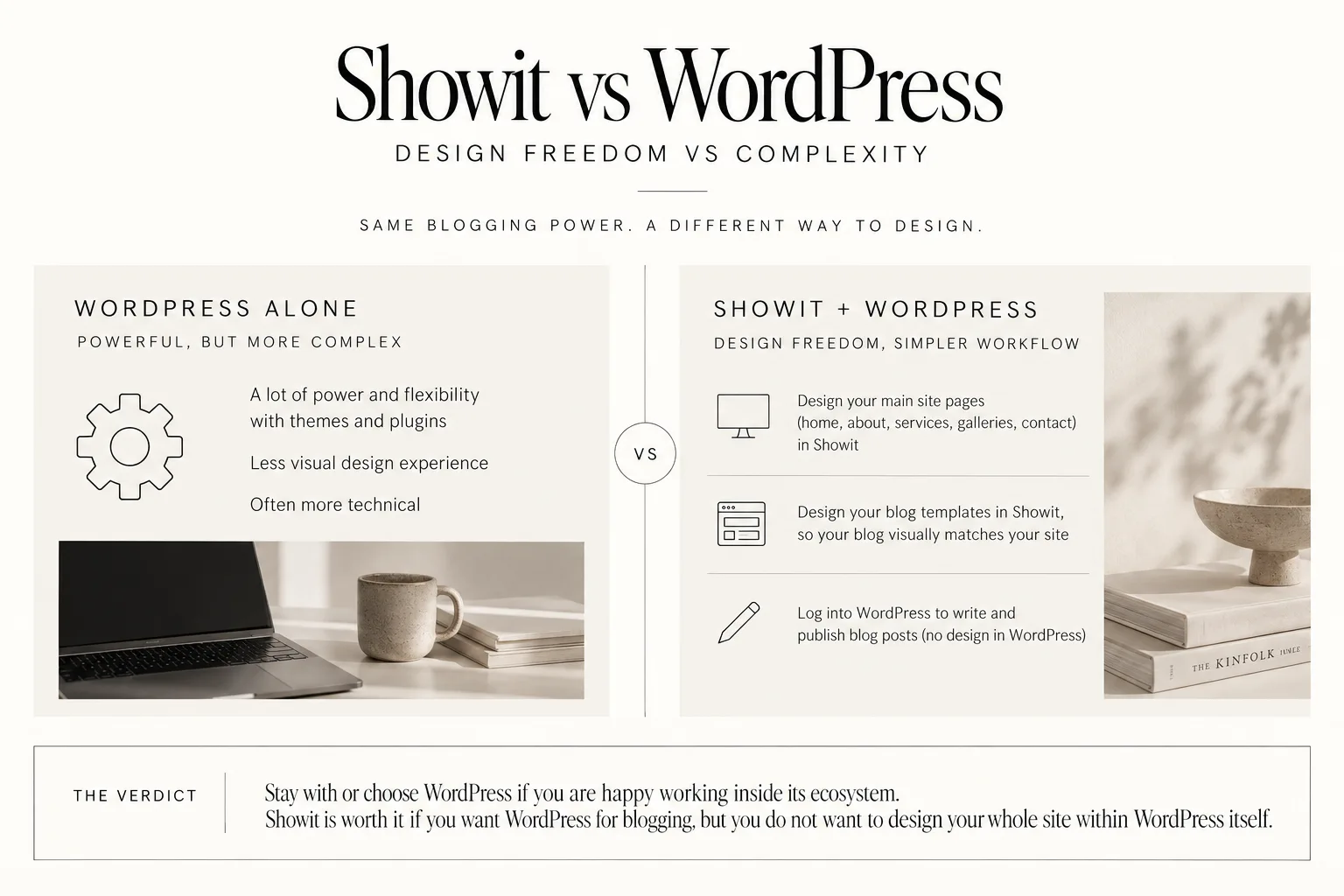
- WordPress alone gives you a lot of power and flexibility through themes and plugins, but the design experience is less visual and often more technical.
- Showit + WordPress keeps WordPress for blogging, but moves page and blog template design into Showit’s drag-and-drop editor.
How the Showit + WordPress setup works?
With Showit:
- You design your main site pages (home, about, services, galleries, contact) in Showit.
- You also design your blog templates in Showit, so your blog will visually match the rest of your site.
- You log into WordPress to write and publish blog posts, but you are not designing in WordPress. The design has already been done in Showit.
For many photographers, this is a sweet spot:
- You get WordPress blogging, which is proven and familiar to many online educators and bloggers.
- You do your layout and visual design in a simpler, more drag-and-drop way.
When pure WordPress might be better?
WordPress can still be a good choice if:
- You are comfortable with WordPress themes and potentially using a page builder inside WordPress.
- You need specific plugins or custom functionality that Showit does not support in the same way.
- You already have a complex WordPress setup and you prefer not to move.
However, if you feel like your current WordPress site is “too much tech” and not enough design control, Showit may actually simplify your life by separating design from blog content.
Verdict:
- Stay with or choose WordPress alone if you are happy working inside its ecosystem and you need its depth.
- Showit is worth it if you want WordPress for blogging, but you do not want to design your whole site within WordPress itself.
Showit vs Shopify and other ecommerce-focused platforms
Some wedding photographers and wedding pros also sell albums, prints, presets or guides. That can make Shopify or other ecommerce-first platforms look tempting.
The key question is: are you primarily running a store, or is your site still mainly a service-based portfolio?
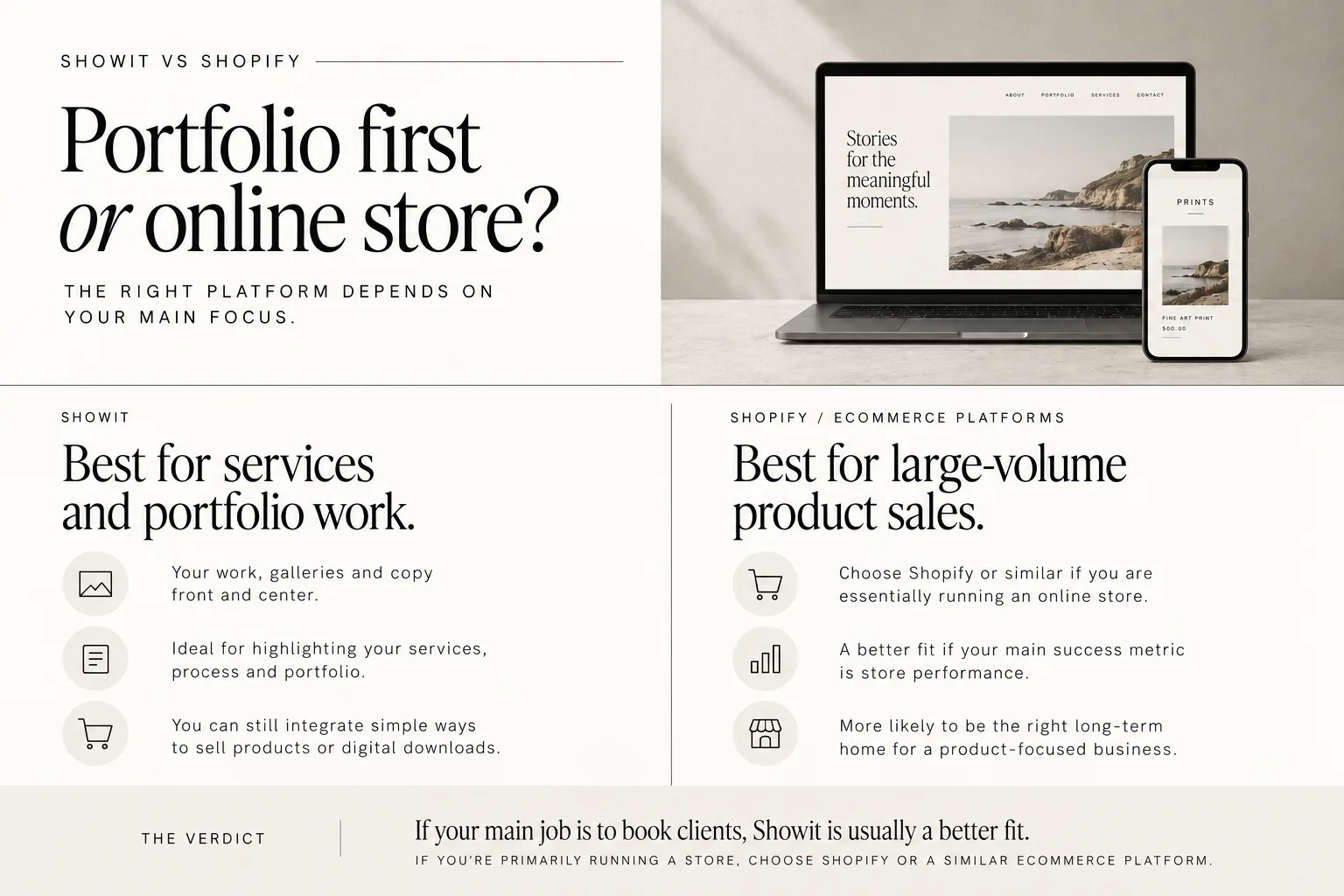
Showit is designed primarily for service-based, portfolio-led businesses, not high-volume ecommerce.
That means:
- It puts your work, galleries and copy front and center.
- It is ideal for highlighting your services, process and portfolio.
- You can still integrate simple ways to sell products or digital downloads, but it is not built as a full-scale online shop system.
If your website’s main job is to book weddings, elopements or planning clients, and your shop is a smaller add-on, Showit is usually a better fit than an ecommerce-heavy platform. Your site will feel more like a custom portfolio than a catalog.
If your business is shifting towards large-volume product sales, and your main success metric is store performance, an ecommerce-focused platform is more likely to be the right long-term home.
Verdict:
- Choose Shopify or similar if you are essentially running an online store.
- Showit is worth it if your core business is services and portfolio work, and product sales are supportive but not the main focus.
Is Showit good for SEO for wedding photographers?
SEO is one of the biggest worries when changing platforms. Nobody wants to lose their hard-earned rankings or disappear from “wedding photographer in [your city]” overnight.
The honest answer is that Showit itself does not magically guarantee rankings. No platform does.
SEO depends on:
- The quality and relevance of your content.
- Your site structure and internal linking.
- Basic on-page optimization, like page titles, meta descriptions and headings.
- How well your content answers what couples are actually searching for.
On Showit, you can set titles, descriptions and other key settings. Many wedding photographers rank well with Showit sites, but that is because they consistently create strong content and use good SEO basics, not because the platform alone “does” SEO for them.
If you want a simple, practical starting point, I put together some easy DIY SEO tips for your Showit site. The same principles apply if you are moving from Squarespace, Wix or WordPress.
From an SEO point of view, your decision about Showit should be:
- Does this editor help me create and update content regularly?
- Will I actually blog more and keep my site fresh if I enjoy using the design tool?
If you like working in Showit and it encourages you to keep your site alive, that will matter more than the platform label in your footer.
If you choose Showit: how templates and support make it easier
The biggest fear I hear is, “If everything is customizable, won’t I get overwhelmed and never launch?”
This is where templates and launch resources come in.
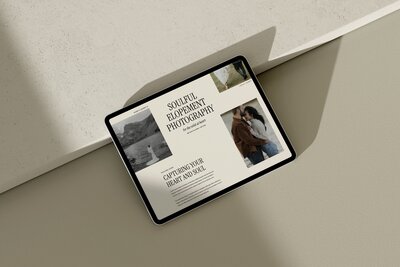
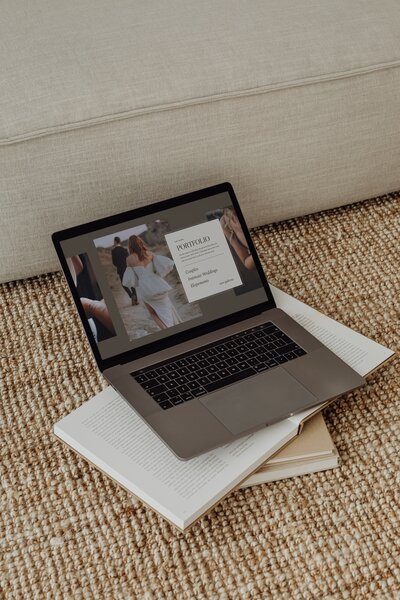
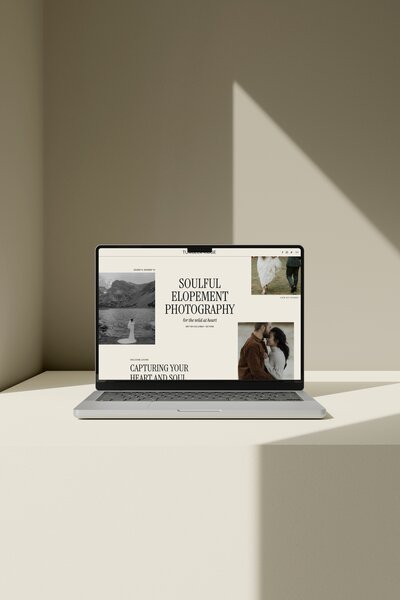
Starting from a Showit template designed for wedding photographers gives you a proven page structure and design so you are not staring at a blank canvas. You get:
- A home page that already guides a couple from first impression to inquiry button.
- Services and investment layouts designed for photography and wedding services.
- Portfolio pages built to show off galleries without clutter.
- A blog layout that fits real wedding posts, engagement sessions and planning tips.
From there, you can move at your own speed:
- Week one: get your images and copy into the template so it is “basically you”.
- Week two and beyond: tweak sections, fonts and layouts once the pressure to launch is gone.
If you want a step-by-step walkthrough, my guide to launching a Showit website template breaks the process down into manageable chunks.
My own templates at Vanilla and Oak are built specifically for the wedding industry, including wedding photographers, elopement photographers, planners and wedding content creators. The site includes template showcases, pricing guides, support, template policies and a launch checklist resource, so you are not figuring it all out alone.
If you are curious how different templates can feel while still being easy to work with, you can explore my Showit website templates for wedding photographers.
FAQ: quick answers about whether Showit is worth it
Is Showit only for photographers?
No. Showit works well for many creative and service-based businesses. However, it is especially popular with photographers and other visual wedding pros because of its focus on imagery and custom layout control.
Does Showit include hosting?
Yes, Showit plans include hosting for your Showit site. You do not need to arrange separate traditional hosting for the Showit-designed part of your site.
Is Showit worth the money if I am not techy?
It depends more on your design priorities and your willingness to learn than on your current tech comfort.
Showit can be a good fit if:
- You are not very techy, but you are happy to spend some time learning a visual tool that feels similar to Canva.
- You like having control over how things look once you get the hang of it.
- You are using a good template and following clear steps rather than trying to design from scratch.
It may not be worth it if:
- You do not want to learn any new tool at all.
- You would rather have the most locked-down system, even if that limits design options.
If your priority is a custom-feeling, modern, template-based site and you can handle a bit of learning, Showit is often worth the investment. If your priority is doing as little as possible with design, staying where you are might make more sense.
If you are leaning toward Showit and want to launch a modern, wedding-focused site without a custom build, you can explore and shop my templates here: Shop Showit Templates.
DOWNLOAD A FREEBIE
How to Launch a Showit Website Start to Finish
Looking to launch your dream website, but feeling overwhelmed with where to start? From purchasing your domain to publishing your site, this checklist will guide you through each step so you can launch your website with ease.