
The most effective tools wedding photographers use are the ones that support a simple system: Showit as the website home base, a CRM to catch and book inquiries, a gallery platform that quietly markets for you, and a few light-touch tools for email, social, and client experience. You do not need every app your peers mention, you need one reliable tool in each important spot of your client journey.
*Affiliate disclosure: This post contains affiliate links, which means that we may receive compensation if you make a purchase using these links.*
You already have the cameras and editing dialed in. You know you can shoot and deliver a wedding. The part that feels messy is everything before and after the wedding itself: getting found, replying fast, keeping track of couples, and actually turning each gallery into more work.
This is where tools make a real difference. Not fancy add‑ons, just a focused set of things that support the way couples already move through your business.
Below are the tools my own wedding photographer clients rely on most, grouped by the growth problems they solve, and how they fit around a Showit site. Use this as a menu, not a checklist. Pick what solves your biggest bottleneck first.
Quick note: this is about marketing tools, not camera gear
This list is about tools that help you:
- Get found and inquired with
- Reply and book faster
- Deliver a smoother client experience
- Turn each wedding into more inquiries
I am assuming you already have your core kit sorted: camera bodies, lenses, backup system, and editing software.
The strategy underneath all of this is simple. Your Showit website is the hub where bookings start. Every other marketing tool should either send people back to your site or support what happens right after they inquire.
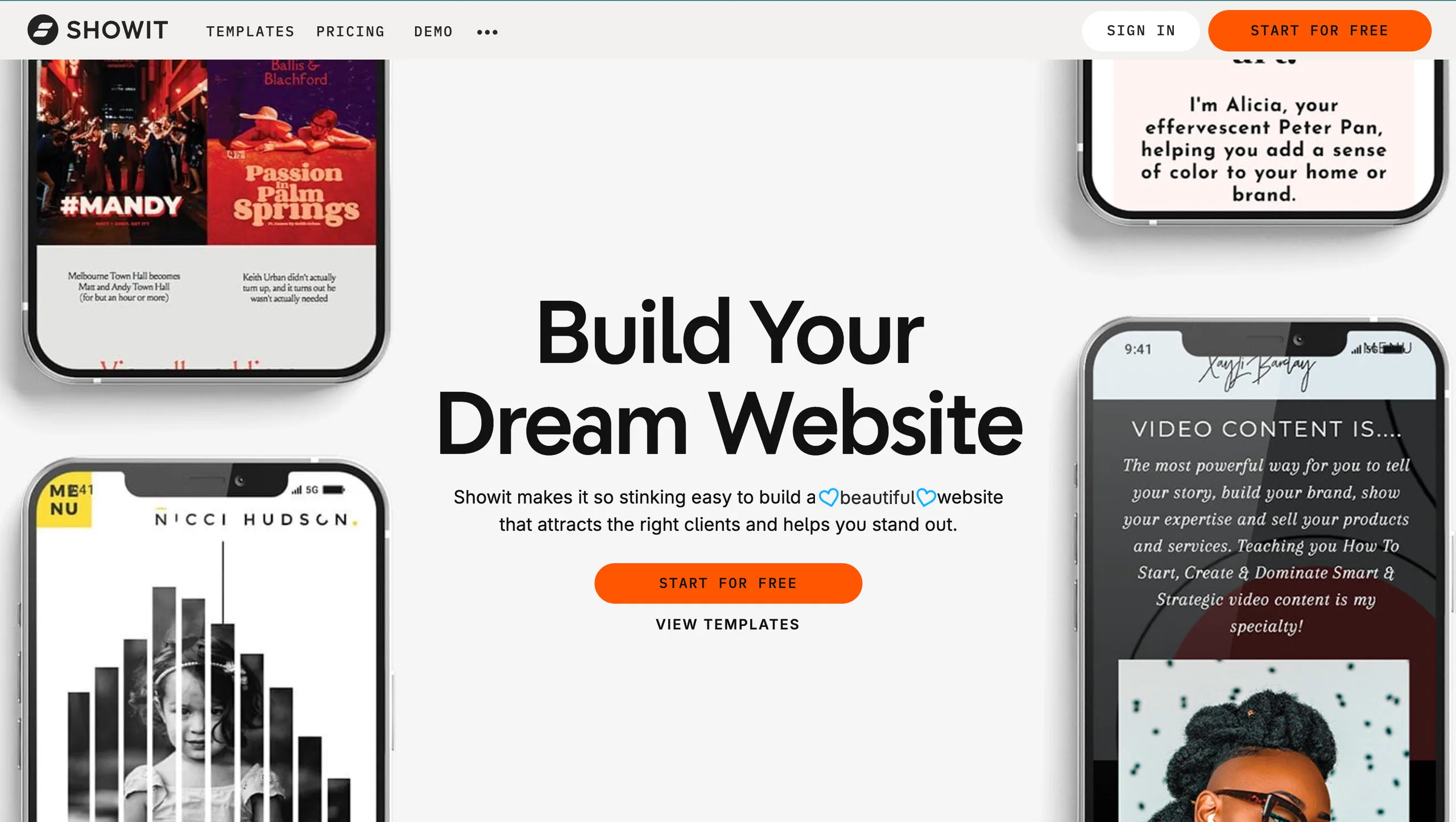
Showit: your marketing home base
For almost every wedding photographer I work with, the website is still where serious inquiries come from. Instagram and referrals warm people up, but they decide whether to reach out after they have clicked into your site.
That is why a flexible website platform like Showit ends up being your primary marketing tool, not just your “pretty online portfolio”.
A Showit site can be:
- Where your contact form lives and feeds your CRM
- The place you send people from Instagram, Pinterest, vendor profiles and galleries
- Where your blog and venue features live, so real weddings can keep working for you
- The one link you can confidently hand to planners and venues
If your current site is keeping you stuck because you are worried about design or tech, a template is usually the fastest way through. You do not have to reinvent layouts, fonts or navigation, you can start with a structure that is already created for wedding photographers and customize from there.
If you want to see what that looks like in practice, I have a collection of Showit website templates for wedding photographers that are built with clear portfolios, simple inquiry paths and blog layouts ready to go. The goal is that your “marketing home base” is online and doing its job, without you spending months in design limbo.
Client relationship manager (CRM) to handle inquiries, contracts, and workflows
The next tool my clients lean on most is a CRM. This is what takes you from “I have random emails and DMs” to “Every inquiry has a home and a clear next step”.
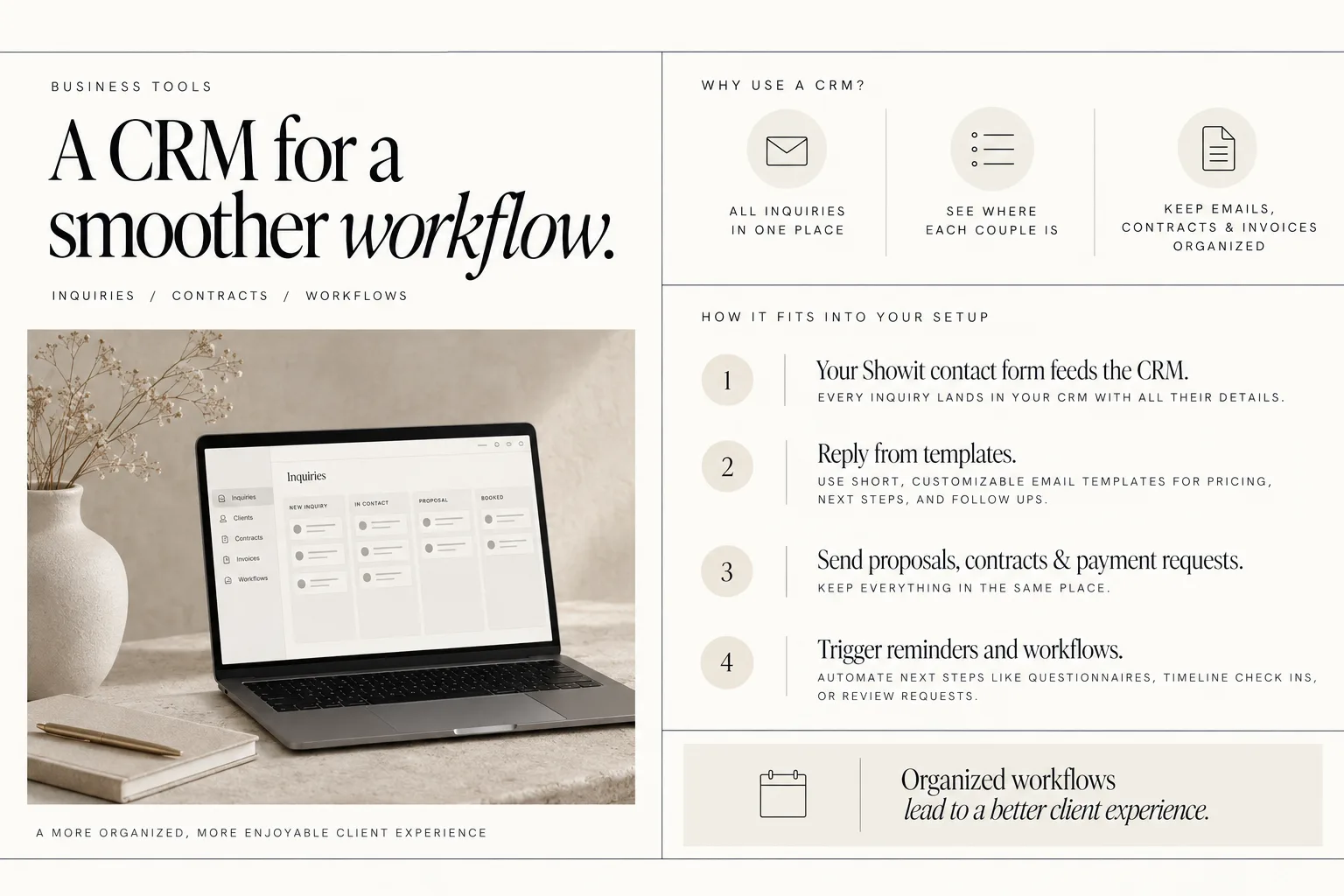
At minimum, a CRM should:
- Collect inquiries from your website form in one place
- Help you see where each couple is in your process
- Keep emails, questionnaires, contracts and invoices organized per client
A solid CRM is one of the highest impact tools you can add, because it supports both marketing and client experience. Quick, clear replies and tidy workflows are what turn inquiries into bookings, and clients into reviewers and referrers.
Some of the most popular CRM's for wedding photographers are Honeybook and Dubsado.
Here is how a CRM fits into your Showit-centered setup:
- Your Showit contact form feeds the CRM.
Instead of emails disappearing in your inbox, every inquiry lands in your CRM with all their details.
- You reply from templates instead of starting from zero.
Short, customizable email templates for pricing, next steps, and follow ups save huge amounts of time.
- You send proposals, contracts, and payment requests from the same place.
This makes it easier for clients to say “yes” and for you to see who is still pending.
- You trigger reminders and workflows.
That might be a pre-wedding questionnaire, a reminder to check in about timelines, or a post-wedding review request.
The result is not that you feel more “automated”, but that clients experience you as organized and responsive, which is a powerful marketing advantage.
Online gallery and print-sales platform that doubles as a marketing engine
Your online gallery is not just where you deliver files. It is also where couples, their families, and vendors interact with your work. That makes it one of the most natural places to build in subtle marketing.
A good gallery platform can support you in three ways:
- Delivery and print sales
Clean, easy viewing on desktop and mobile, with options to order prints and albums.
- Ongoing touchpoints
Gentle email reminders, deadlines, and product offers that keep you in front of people without extra manual work.
- Discovery and referrals
Features that make it easier for vendors and guests to discover you, and for you to show up connected to other wedding professionals.
For example, Pic-Time says wedding photographers can use automated marketing campaigns for print sales, gallery banners, email funnels, a blog editor, SEO tools, a vendor network, and AI image search in one workspace. Tools like that turn your galleries into more than a file drop, especially for post-wedding sales and visibility.
Here is how this fits around your Showit site:
- You link to galleries from your website client area or menu.
- You add links back to your website on your gallery landing pages, in banners, or in emails.
- You pull favorite images and text from galleries into your blog posts or portfolio pages.
- You use features like email funnels to stay in touch with couples and guests after the wedding.
Since galleries are often the only part of your business that extended family and friends see, small touches there can lead directly to new inquiries.
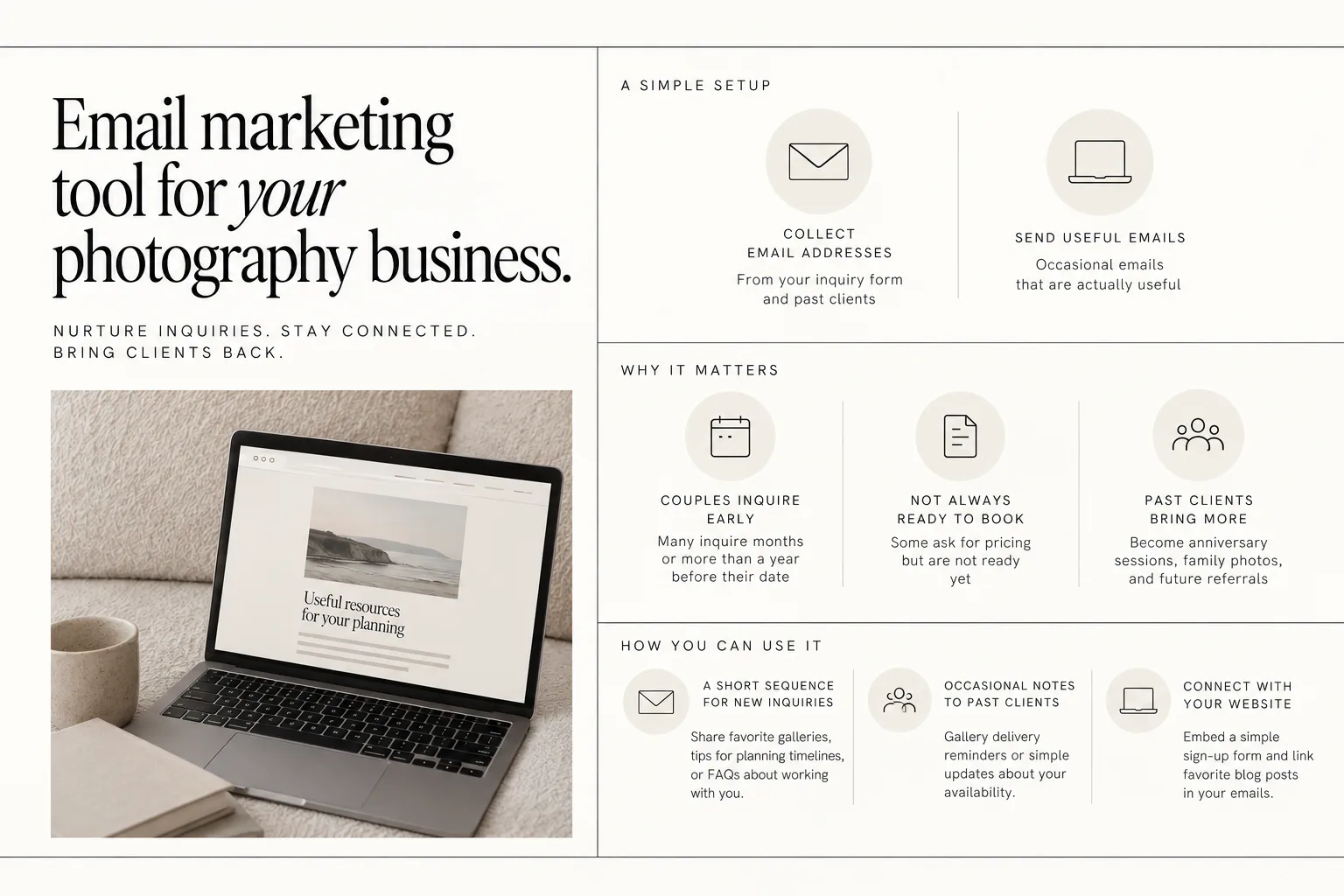
Email marketing tool to nurture inquiries and past clients
Most wedding photographers feel like “email marketing” belongs to bigger brands or educators. In reality, you probably only need a very simple setup:
- A way to collect email addresses, usually from your inquiry form and past clients
- A place to send occasional emails that are actually useful
Why it matters:
- Many couples inquire months or more than a year before their date
- Some ask for pricing but are not ready to book yet
- Past clients become anniversary sessions, family photos, and future referrals
An email marketing tool lets you:
- Set up a short sequence that goes to new inquiries who are not ready to commit. This could be a few emails sharing favorite galleries, tips for planning timelines, or FAQs about working with you.
- Send past clients an occasional note, for example with gallery delivery reminders or simple updates about your availability.
Tools like Flodesk can work well here if you want simple, design-forward email templates without getting lost in advanced features.
You do not have to write weekly newsletters. Think of it as a way to stay present between “we found you” and “we are ready to sign”, and again after the wedding is over.
Connected back to Showit, you can:
- Embed a simple sign-up form on your site (for example on your contact confirmation page)
- Link favorite blog posts in your emails to bring people back to your website instead of only to social media
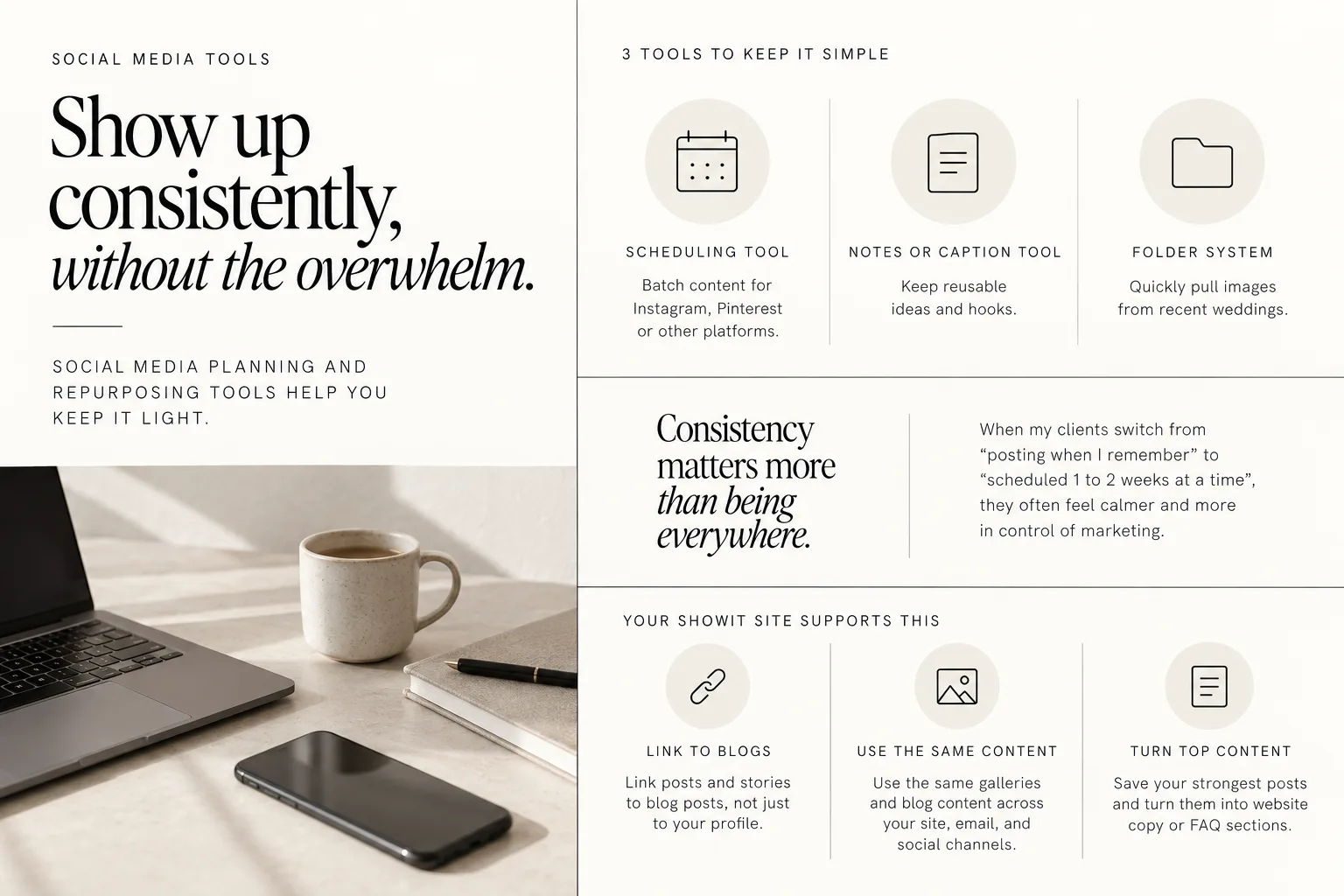
Social media planning and content repurposing tools
You probably do not need more ideas for content, you need a way to show up consistently without losing entire days to it.
This is where social media planning and repurposing tools help. You can keep it light:
- A scheduling tool so you can batch content for Instagram, Pinterest or other platforms
- A notes app or caption-planning tool where you keep reusable ideas and hooks
- A folder system to quickly pull images from recent weddings
Consistency matters more than being everywhere. When my clients switch from “posting when I remember” to “scheduled 1 to 2 weeks at a time”, they often feel calmer and more in control of marketing.
Your Showit site supports this by being the end point for your content:
- Link posts and stories to blog posts, not just to your profile
- Use the same galleries and blog content across your site, email, and social channels
- Save your strongest posts and turn them into website copy or FAQ sections
If you want help making your website more visible from the content you are already creating, I have a guide with easy DIY SEO tips for your Showit website that pairs well with this kind of regular posting.
Client experience tools: questionnaires, guides, and timelines
Client experience is one of your strongest marketing tools, because it shapes:
- The reviews couples write
- How planners and venues talk about you
- Whether guests remember you as “the calm photographer who ran the day smoothly”
A few simple tools go a long way here:
- Questionnaires
For example, pre-wedding questionnaires that collect family info, important details, or preferences.
- Welcome or prep guides
PDF or web-based guides that explain what to expect, how to prepare, and tips for the wedding day.
- Timeline helpers
Basic templates or forms that help couples and planners build timelines that work well for photos.
These do not need to be complicated, they just need to be consistent.
Many photographers house these guides on their Showit sites, either as hidden pages or password-protected client areas. That way, you can easily link to them from your CRM workflows and emails, and update them in one place instead of sending updated PDFs every time.
If you want your website to feel more aligned with this kind of elevated experience, templates like:
- Casablanca — Luxury Showit Website Template for Wedding Photographers
- Sunday Best — Heirloom editorial Showit Website Template for wedding Photographers
- Something Blue — Romantic Showit Website Template for Wedding Photographers
are all designed specifically with wedding photography clients in mind, including space for resources and client-focused pages.
A thoughtful client journey backed up by simple tools is what makes the difference between “we liked our photos” and “we tell everyone about you”.
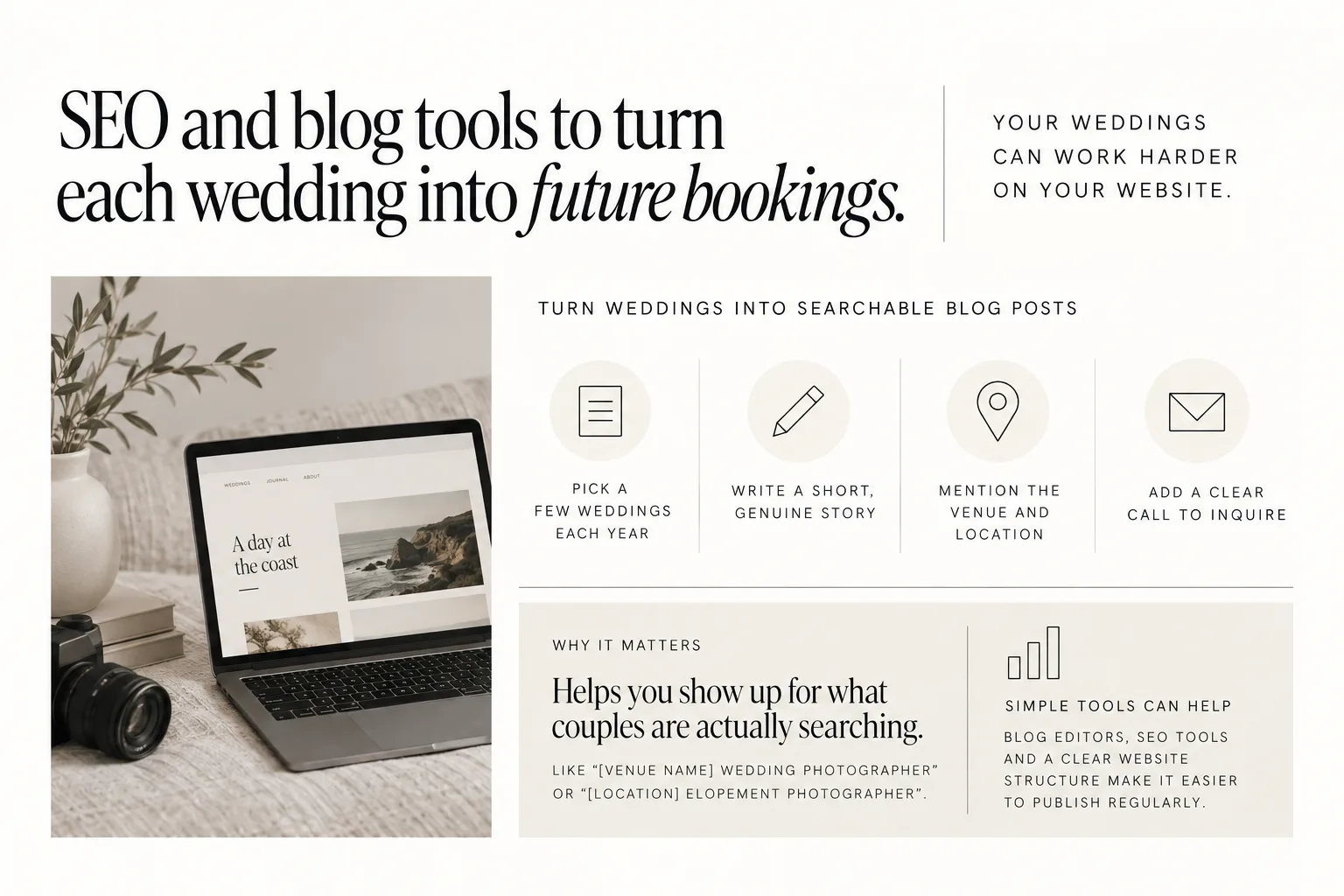
SEO and blog tools to turn each wedding into future bookings
Each wedding you shoot is a marketing asset. The images, the story, the venue, the vendor team, the location, all of that can help future couples find you.
Blogging and basic SEO tools make that realistic without you needing to become a full-time writer.
At a simple level, this looks like:
- Picking a handful of weddings to blog each year
- Writing a short, genuine story about the couple and the day
- Mentioning the venue and location in your headings and copy
- Adding a clear call to inquire at the end of the post
This helps with search terms couples are actually using, like "[Venue name] wedding photographer" or "[Location] elopement photographer".
Some gallery platforms can help with this. For example, Pic-Time says wedding photographers can use a blog editor and SEO tools in one workspace. Having your images, basic blog tools and SEO settings together can make it easier to regularly turn weddings into posts that support your Showit site.
On the Showit side, you can:
- Follow a checklist, like my Showit launch checklist, to make sure key pages are set up well
- Learn the basics of why layout and structure matter with resources like Why Website Design Matters For Seo
You do not need to blog every wedding. You just need a habit of turning some weddings into clear, searchable, on-brand posts that live on your site for years.

Bringing your marketing tools together around your Showit site
You do not need to set up every tool at once. In fact, I would strongly recommend that you do not.
Instead, choose your biggest bottleneck right now:
- Not enough inquiries
- Plenty of inquiries, but they are not booking
- Clients feel disorganized or stressed
- You disappear after gallery delivery and never follow up
Then add or improve just one tool in that area:
- If you are not getting enough inquiries, focus on your Showit site and a simple blog/SEO plan.
- If inquiries are not booking, set up a CRM and tighten your inquiry responses and proposals.
- If client experience feels messy, add questionnaires and simple guides.
- If you are dropping the ball after delivery, set up a gallery platform that supports marketing and a basic email tool.
Let everything point back to your Showit site. That is your home base, your best work, and the place people go to decide whether to trust you.
If you are ready to refresh that foundation with a design built specifically for wedding photographers, you can explore options like:
With 6 years experience and as part of the Showit Partner Program, my goal with these templates is that you can focus your energy on the tools that actually move your business forward, not on building a site from a blank canvas.
FAQs
Which marketing tools should a wedding photographer start with first?
Start with the tools that support your biggest gap. For most photographers, that means:
- A strong Showit website as your home base.
- A CRM to capture and manage inquiries from that site.
- An online gallery platform that handles delivery and basic marketing after the wedding.
Once those are solid, you can layer in email marketing and social planning tools as needed.
How does a CRM help wedding photographers book more clients?
A CRM helps you reply faster, stay organized, and make it easy for couples to say “yes”.
It keeps all inquiries in one place, lets you send clear proposals and contracts, and supports reminder emails and workflows so no one slips through the cracks. That smoother process builds trust, which is often what turns an inquiry into a booking.
Why is Showit the center of a wedding photographer marketing stack?
Your website is usually where serious couples decide whether to inquire. Showit is the center of your stack because every other tool either sends people to your site or supports what happens after they fill out your form.
Social posts, vendor referrals, gallery links and emails can all point back to a Showit site that clearly shows your work, answers questions, and makes inquiring simple.
Can online galleries help with marketing after a wedding?
Yes. Online galleries are often where extended family, friends and vendors interact with your work, which makes them a natural place for subtle marketing.
Platforms like Pic-Time say wedding photographers can use automated marketing campaigns for print sales, gallery banners, email funnels, a blog editor, SEO tools, a vendor network, and AI image search in one workspace. Features like that help you stay in front of people and create more opportunities for referrals and future bookings.
If you want your tools to work harder for you, start with a website that feels like home. You can browse and choose your next Showit design here: Shop Showit Templates.
DOWNLOAD A FREEBIE
How to Launch a Showit Website Start to Finish
Looking to launch your dream website, but feeling overwhelmed with where to start? From purchasing your domain to publishing your site, this checklist will guide you through each step so you can launch your website with ease.