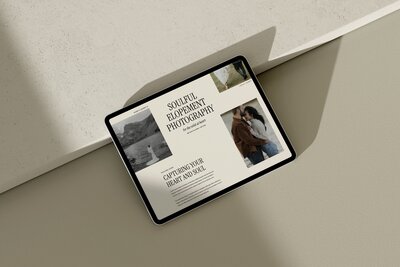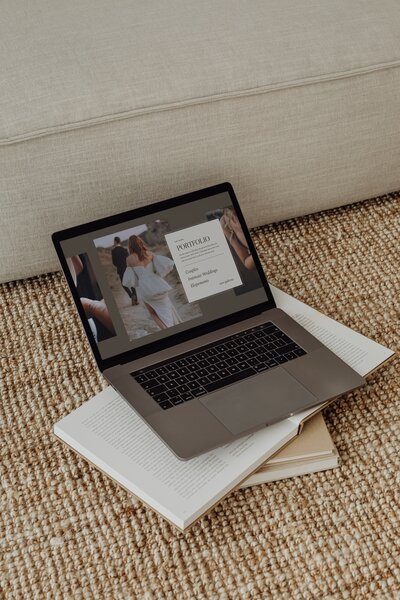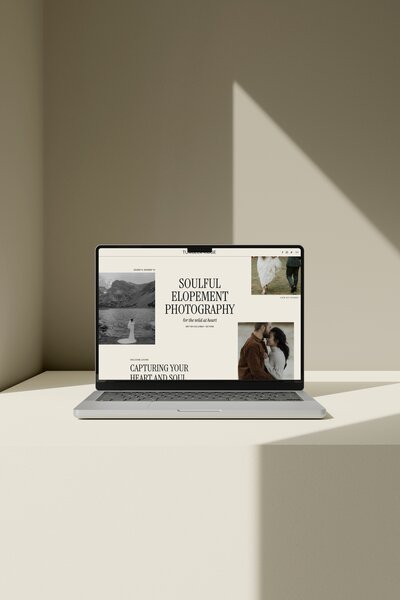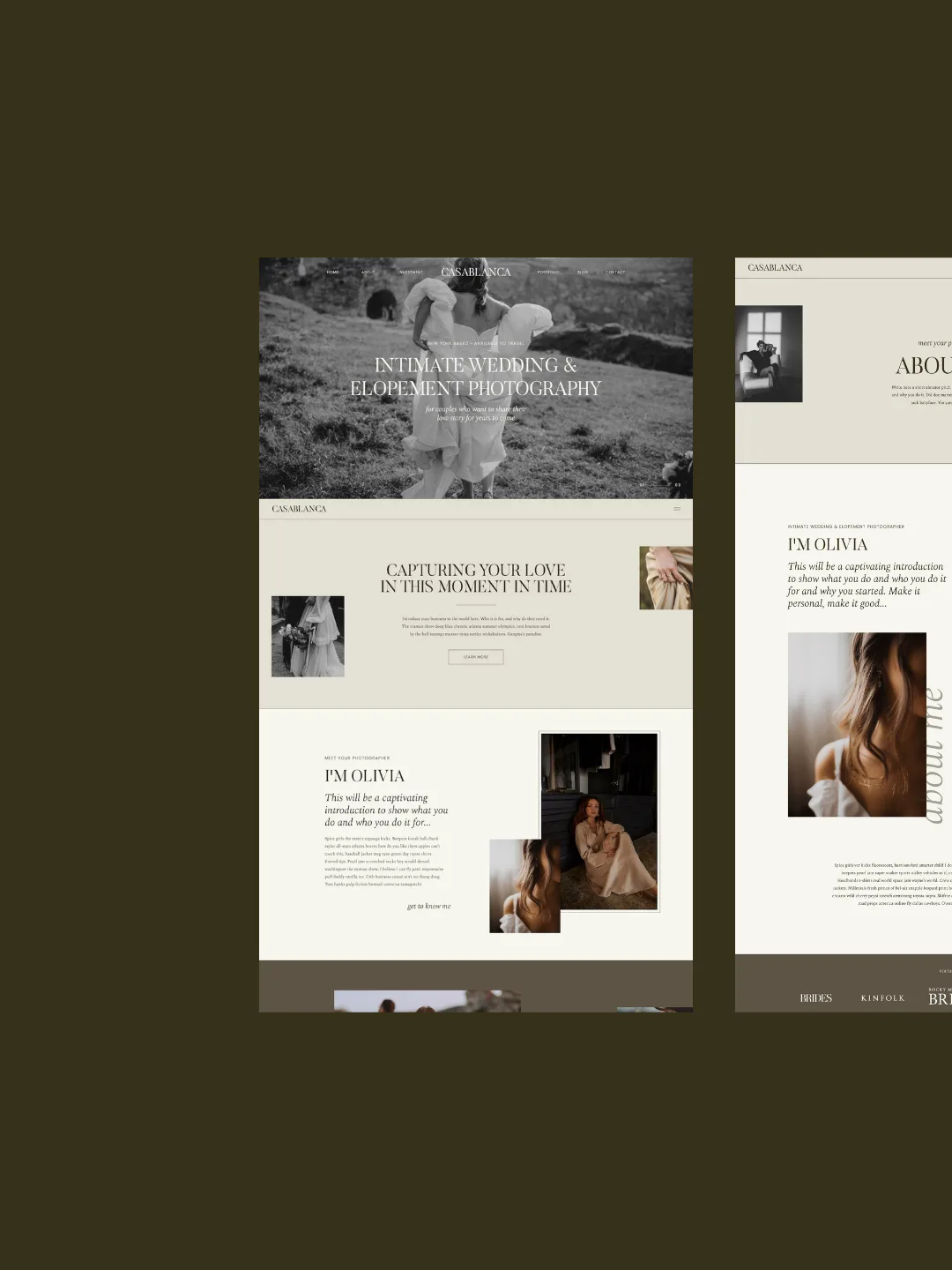

Showit templates help book more wedding clients by turning your site into a clear path from “found you online” to “sent an inquiry,” instead of a pretty but confusing portfolio. When you start with a photography-focused template and customize it with trust signals, clear calls-to-action and simple SEO, more of the right couples will actually reach out.
*Affiliate disclosure: This post contains affiliate links, which means that we may receive compensation if you make a purchase using these links.*
Most wedding photographers I talk to are not struggling to get eyes on their work. They are struggling to turn those clicks and scrolls into real inquiries. Couples browse, they love the photos, then they disappear without filling out the form.
In this post, I will walk through how to use Showit templates as booking tools, not just as design shortcuts. You will see what couples actually look for on vendor websites, how a strategic template supports that, and what to tweak so your site feels like your brand and still guides people to inquire.
How Showit templates actually help you book more wedding clients
Showit templates help you book more wedding clients by matching how couples now shop for vendors online. Couples rarely land on one site, fall in love and book on the spot. They move between Instagram, planning platforms, and multiple vendor websites, then build a shortlist.
The Knot Worldwide reports that 37% of couples reached out to more vendors than initially planned to find options that fit within their budget, which means you are being compared even more than you think by people who are still deciding who to contact at all (The Knot Worldwide). Easy Weddings’ 2026 annual survey notes “25% Supplier’s Website,” which shows that supplier websites are one of the digital places couples look while they plan (Easy Weddings annual survey). With over 73% of couples using a wedding planning website, The Knot Vendor Marketplace is described as one of the reliable ways couples find and book professionals (The Knot Vendor Marketplace).
So when someone clicks from a marketplace, a referral or Instagram to your site, they are usually thinking, “Is this my vibe? Can I afford them? Do I trust them? What do I do next?” A Showit template, used well, is a conversion tool because it can answer those questions in a clean, visual way that feels tailored to photographers and wedding pros, not like a generic business website.
Instead of building all of that from scratch, a smart template gives you:
- A homepage that quickly shows your style, location and value
- Portfolio pages that support storytelling, not just image dumping
- Context around pricing and services so couples can self-qualify
- Clear calls-to-action so they know how and where to inquire
Your design still matters, but the real win is how your site quietly guides couples from curiosity to clicking “send.”
Step 1: Start with a template built for wedding photographers
Starting with a Showit template designed for wedding photographers makes it much easier to show your work and lead couples toward an inquiry. A generic small-business layout often treats photos as decoration. A photography-specific template treats them as the main event.
Showit’s photographer-focused template guidance says templates can be SEO-optimized, image-heavy, customizable and built as a starting point for wedding-industry professionals (Showit photographer template guidance). That combination is exactly what you need as a wedding vendor: room for big galleries, plus space for the words and structure that help you show up and convert.
When you choose a template that is already oriented around how couples shop for a photographer, you get things like:
- Portfolio and gallery layouts that highlight full wedding stories, not just hero images
- An “experience” or “process” page to explain how it feels to work with you
- Service or collection pages that let you give pricing context without listing every line item
- Built-in call-to-action spots at the top and bottom of key pages
So instead of staring at a blank canvas, you start with a site that already knows a couple is wondering: “Can I see full weddings? Have they shot my type of venue? What happens next if I fill out the form?”
If you are browsing different designs, look for cues like:
- Multiple gallery page styles (for weddings, elopements, engagements)
- A dedicated page or section for testimonials
- A clear contact page with a form, not just an email link
- Space on the homepage to mention your location and niche
If you want to compare options that are already built with those things in mind, you can browse my Showit website templates for wedding photographers.
Once you have that base, your job is to edit and personalize, not rebuild.
Step 2: Use your Showit template to build trust fast
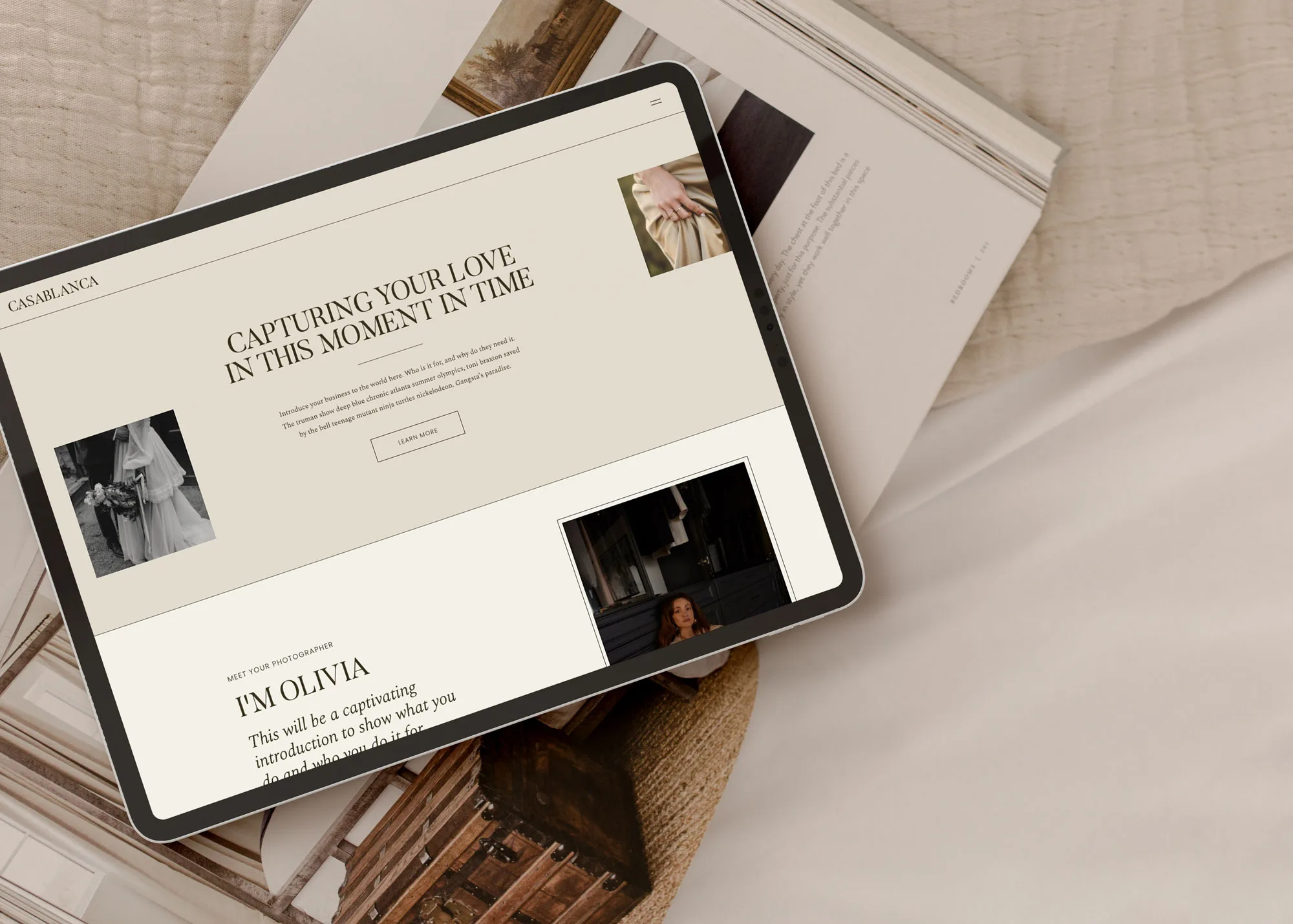
Your Showit template can help you build trust in seconds by making the site look professional and aligned with your purpose as a wedding vendor. Couples are making big financial and emotional decisions, often with limited time. If your site feels off, they move on.
Stanford’s Web Credibility Project recommends making a site look professional and aligning the design with the site’s purpose, which supports the idea that a polished template can raise credibility before inquiry (Stanford Web Credibility guidelines). A photographer-focused template already leans into that purpose: it is designed to show strong images, tell a story and invite contact.
Here are practical ways to use your template to build trust quickly:
- Lead with clarity, not clever phrases
Use the hero section on your homepage to say who you are, where you are and what you do in one sentence. For example: “Wedding photographer in [your area] for couples who want [your style].” This helps visitors know instantly that they are in the right place.
- Show real couples early
Swap all placeholder images with your strongest, on-brand work as soon as possible. Prioritize images that look like what you want to book more of: specific venues, elopements, cultural traditions or editorial details.
- Surface testimonials and social proof
Most Showit templates include spots for reviews or logos. Use them close to your portfolio and your inquiry buttons, not hidden at the bottom of one page. A short, specific quote about the experience of working with you often does more than a long paragraph about yourself.
- Make your “about” section feel human
Treat the about area in your template as a chance to sound like a real person. Keep it light but informative: a short intro, a photo of you, and a few lines about how you support couples, not just why you love photography.
- Show process and expectations
If your template has an “experience” or “how it works” section, use it to explain your process in 3–5 simple steps. Couples want to see that you are organized and that they will not be left guessing what happens after they send that inquiry.
When your site looks intentional and speaks to real concerns (“Will my day feel chaotic?” “Will I look awkward?” “Will they respond?”), visitors feel safer taking the next step.
Step 3: Guide couples clearly from portfolio to inquiry
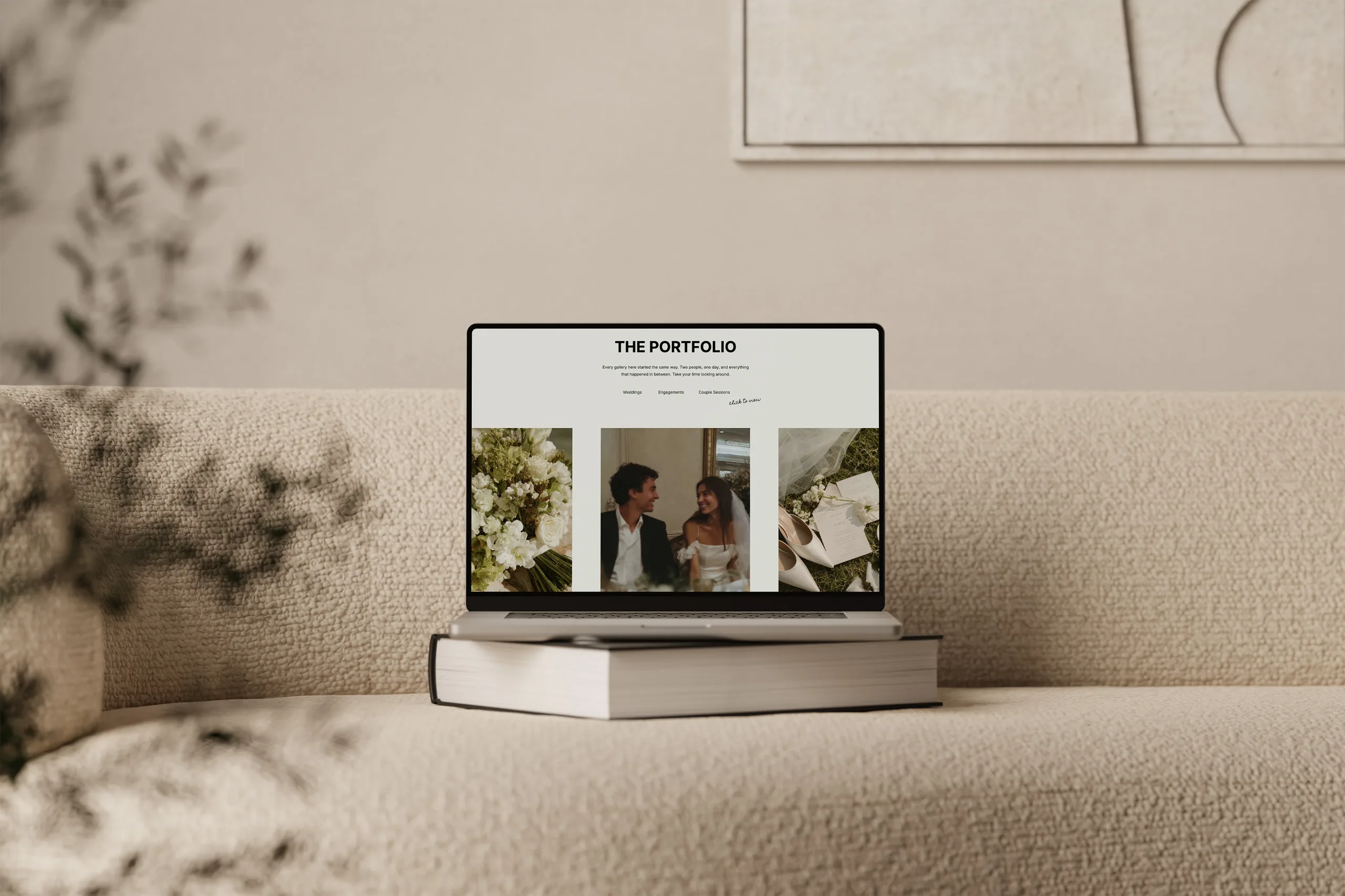
Your Showit template can guide couples from admiring your work to actually inquiring by using simple, consistent paths across your site. Many photographers lose inquiries because visitors get lost in galleries and never see a clear way to contact or understand pricing.
Start with your main navigation. A clean, conversion-focused Showit menu for a wedding photographer often looks like:
- Home
- Portfolio (or Weddings / Elopements / Engagements)
- Experience (or Info)
- Journal (or Blog)
- Contact
Avoid adding so many extra items that couples feel like they have to “figure out” the site before they can see what you offer.
Then, use your template’s built-in sections to create a predictable flow on each key page:
- Homepage: Quick intro, featured galleries, short blurb about your approach, social proof and a button to view services or inquire.
- Portfolio pages: Curate a few full stories, each with a short intro and a button that leads to either similar galleries or your services/contact page.
- Experience/Info page: Explain what you offer, high-level pricing context if you share it, FAQs and an invitation to inquire.
- Contact page: Simple, mobile-friendly form that asks only what you actually need to reply, plus a note about your response time.
Inside Showit, you can add or move buttons without code. Use that to your advantage. Every time a visitor reaches the end of a section or a page, they should see a clear “what next”:
- “View full weddings”
- “See collection details”
- “Check availability”
- “Inquire for your date”
A few practical tweaks that help:
- Add an “Inquire” button to your main navigation and keep it visible.
- Put at least one call-to-action above the fold on your homepage.
- On any blog post or gallery, add a short closing section like “Planning your own [venue/area] wedding? Get in touch,” with a button to your contact page.
The goal is not to shout at visitors to “Book now,” but to gently keep the door open. They should never have to hunt for how to contact you or guess whether you are available.
Step 4: Customize your template so it feels like your brand (without breaking it)
You can make a Showit template feel like your brand by customizing visual elements and copy, while keeping the structure that is designed to convert. Thoughtful customization of colors, fonts and imagery can make a template feel like your brand without redesigning everything.
Think of it like moving into a well-built home. You paint the walls, change the light fixtures, and hang your own art, but you do not knock down every wall the first week.
Here is how to approach template customization in a way that still supports bookings:
- Choose a tight color palette
Start with 2–3 brand colors instead of 7. Use one main accent color for buttons and links so calls-to-action stand out. Keep backgrounds light or neutral so your photos stay center stage.
- Limit your fonts
Use one font for headings and one for body text, and make sure they are easy to read. If your template comes with suggested fonts, you can swap them for your brand fonts as long as you keep a similar hierarchy (bold for headlines, simple for copy).
- Stay consistent with button styles
Keep button designs consistent on every page. Same color, same shape, same hover state. This helps visitors recognize clickable elements right away.
- Edit copy to sound like you, not a template
Replace all placeholder text with your own words, even if you keep the same structure and length. Use language your couples actually use in inquiries and consults, not only industry terms.
- Avoid moving core sections around too much
Most well-designed templates place key sections where visitors expect them: navigation at the top, hero space, then an overview of services or galleries. You can hide blocks you truly do not need, but try to keep the overall page flow similar so your site stays intuitive.
If you want a deeper look at what can safely be changed and what works best to keep, I break this down in more detail in my guide on how customizable Showit templates really are.
A customized template should feel like a tailored version of the original, not a puzzle of mismatched sections. When in doubt, change less layout and more styling.
Step 5: Pair your Showit template with simple SEO and blogging
A strong Showit template only helps book more clients if couples can find your website in the first place. Design and conversion paths matter, but you also need steady, relevant traffic landing on those pages.
The good news is you do not need to become a technical expert to get basic visibility in place. With a conversion-ready template, you can layer on simple SEO and blogging to bring in more of the right visitors.
On the SEO side, focus on:
- Clear page titles that say what you do and where (for example, “[Your City] wedding photographer”)
- Headings that match what is actually on the page
- Short, helpful copy on each page, not only images
- Internal links between related pages so visitors and search engines see the connections
If you want a straightforward walkthrough tailored to this platform, my post on easy DIY SEO for Showit covers the essentials in a simple, non-techy way.
Blogging then becomes your way to answer real questions couples have while planning, and to showcase work in specific locations and venues. Ideas that support bookings:
- Real wedding blog posts tied to venues you want more of
- Elopement or micro-wedding guides for your area
- Engagement session ideas, outfit tips or location roundups
- Timeline or lighting tips that naturally show your expertise
At the end of each post, use a simple call-to-action that points to your services or contact page, so those readers feed into the same booking-focused structure your template provides.
FAQs
How do Showit templates help wedding photographers get more inquiries?
Showit templates help you get more inquiries by giving your site a layout that already follows a clear path from portfolio to contact form. Instead of guessing where to put galleries, reviews and pricing info, you start with pages that are structured to show your best work, answer key questions and invite couples to inquire with obvious buttons and forms on every major page.
Can I customize a Showit template without hurting conversions?
You can customize a Showit template without hurting conversions if you keep the main structure and only change visual styling and content. In practice, that means editing colors, fonts, images and copy, while leaving things like button placement, page order and key sections (about, services, portfolio, contact) in place so couples still have a simple path to follow.
Do Showit templates help with SEO too?
Showit templates can support SEO because many photography-focused designs are built with things like text areas, blog layouts and page structures that can be optimized. Your template will not rank on its own, but it can make it easier for you to add titles, headings, copy and internal links that search engines can understand and index.
How does blogging support a Showit template strategy?
Blogging supports your Showit template strategy by sending more qualified visitors into a site that is already designed to convert them. When you publish posts around venues, locations or wedding tips and link those posts back to your main services and galleries, you attract couples who are actively planning and then give them a clear next step to inquire.
Quick checklist: Is your Showit template set up to book more clients?
Use this quick checklist to evaluate your current Showit template or one you are considering. If you answer “no” to several of these, it is a sign to tweak or update things before your next busy season.
Template choice
- Was this template created for photographers or wedding professionals, not just any small business?
- Does it include dedicated portfolio, experience/info, and contact pages?
Trust and credibility
- Does your homepage state your name, location and service clearly above the fold?
- Are you using strong, on-brand images instead of placeholders on every main page?
- Are testimonials or client kind words visible on more than one page?
Clear path to inquire
- Is there an “Inquire” or “Contact” link in your main navigation?
- Does every key page (home, portfolio, info, blog) include at least one clear call-to-action that leads to services or your contact form?
- Is your contact form simple, working and visible without endless scrolling on mobile?
Brand-aligned customization
- Are your colors and fonts consistent across pages, without changing styles every section?
- Do your buttons all look the same and stand out from the rest of the page?
- Does your copy sound like you and speak to your ideal couples’ questions?
Traffic and content
- Do your main pages have real headings and text, not just images?
- Are you blogging at least occasionally about real weddings, venues or tips for your area?
- Does each blog post or gallery end with a short invitation to inquire or view your services?
If you want support choosing or customizing a template that is already built to help you get in front of more of the right couples and guide them to inquire, you can explore my designs and shop Showit templates.
DOWNLOAD A FREEBIE
How to Launch a Showit Website Start to Finish
Looking to launch your dream website, but feeling overwhelmed with where to start? From purchasing your domain to publishing your site, this checklist will guide you through each step so you can launch your website with ease.